Your Personal Information Is Everywhere Online. Here’s How to Take Back Your Privacy
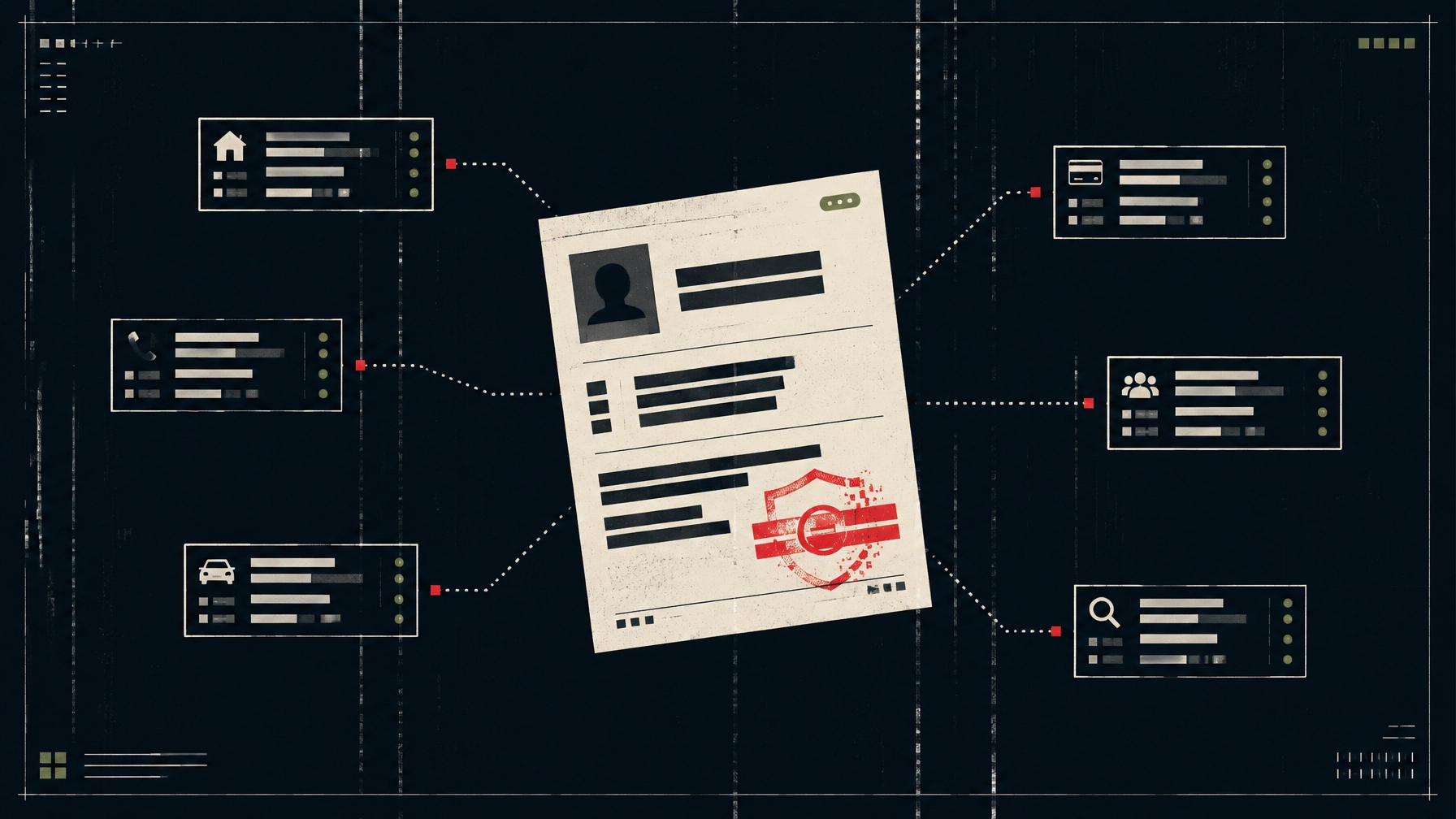
It can feel as if your personal information is scattered across the internet with no clear way to bring it back under control. You may find an old address in a people-search profile, a phone number attached to a public account, or details from a past move appearing in search results.
You can take practical steps to reduce what is exposed. But nobody can literally erase themselves from the internet. Information can remain in public records, on sites you have not checked, or in copies that others have already saved. The goal is to remove listings where possible, limit new exposure, and check again over time.
Start with what you can control
Your personal information may appear in several places for different reasons. People-search sites and data brokers compile profiles from sources such as public records and other available data. Social media accounts, old directories, and websites you no longer use can add to your public footprint.
That does not mean everything about you is visible to everyone. It does mean there is no single switch that removes all your information everywhere. Each source has its own process, and some information may not be eligible for removal.
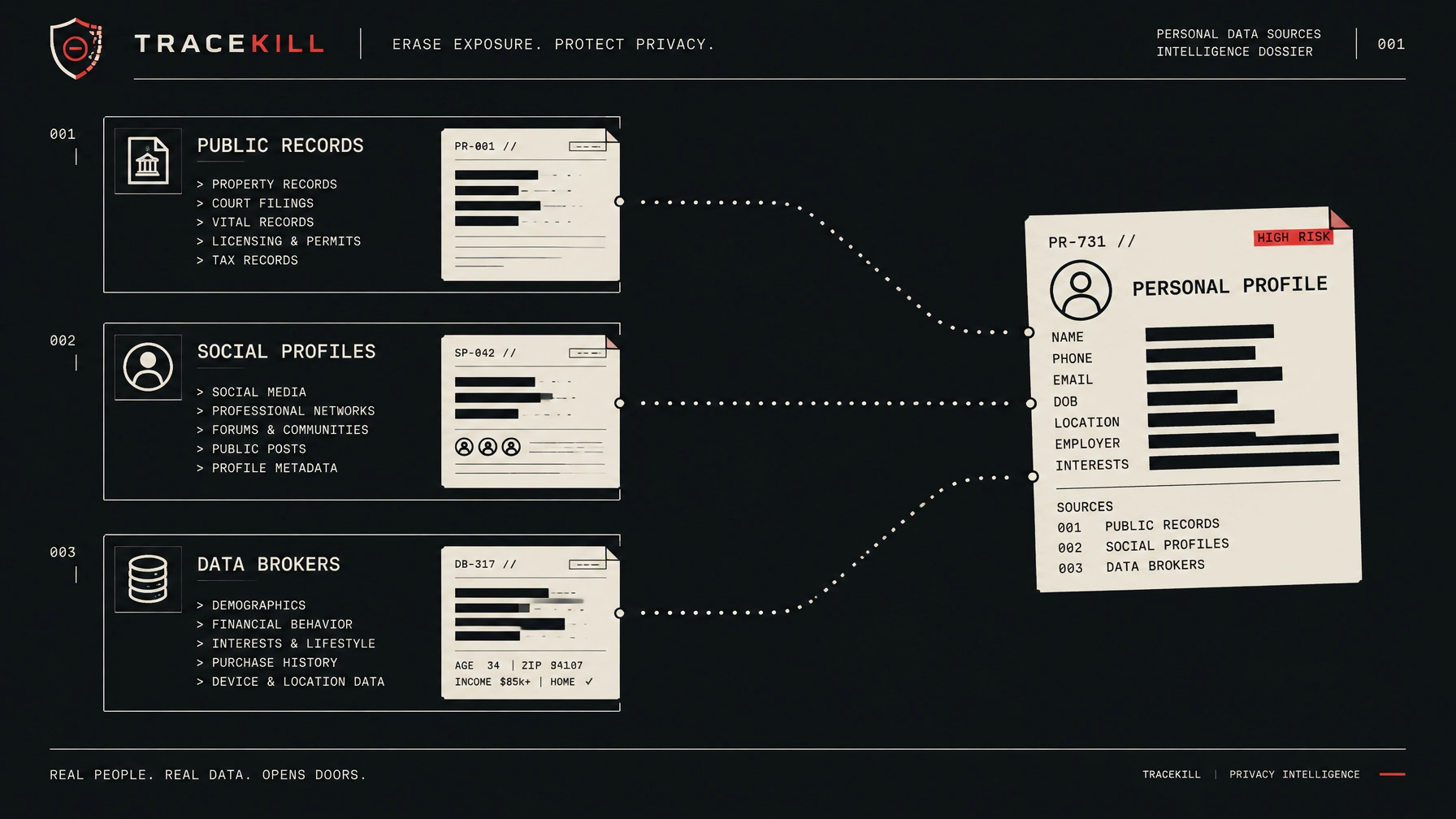
A useful privacy reset separates the work into three parts:
- Limit what you share going forward.
- Request removal from sites that publish a listing about you.
- Re-check, because listings can return.
This approach helps you focus on actions you can take, rather than expecting one request to make your whole online presence disappear.
Find the parts that matter most
You do not have to audit every website before you can make progress. Start with information that could expose where you live or make it easier to contact, impersonate, or target you. Examples include a current home address, personal phone number, personal email address, and details linking you to family members.
The FTC’s guide to people-search sites explains that these sites compile information into reports and generally provide a way to opt out. An opt-out may affect that site’s listing; it does not necessarily remove the same details from other sites or from the original public record.
If you want a more detailed walkthrough of locating and requesting removal of listings, see our guide to finding and removing your personal information online. This article focuses on how to keep the process manageable and maintain control over time.
Reduce what can be collected next
Removing a listing is only one part of protecting your privacy. Review the accounts and settings you control, so fewer personal details are openly available for others to find or reuse.
Check your social profiles for public contact details, old posts, location information, and details that identify relatives or your home. Review each account’s privacy and search settings. An account can be private to other users while still exposing certain profile details, so check what a person who is not signed in can see.
Next, review apps and services that have access to your location, contacts, photos, or microphone. Remove permissions that no longer make sense. Close accounts you no longer use where you can, especially if they contain old profile details. Use unique passwords and turn on multifactor authentication for important accounts; these steps help protect account access but do not remove information already published elsewhere.
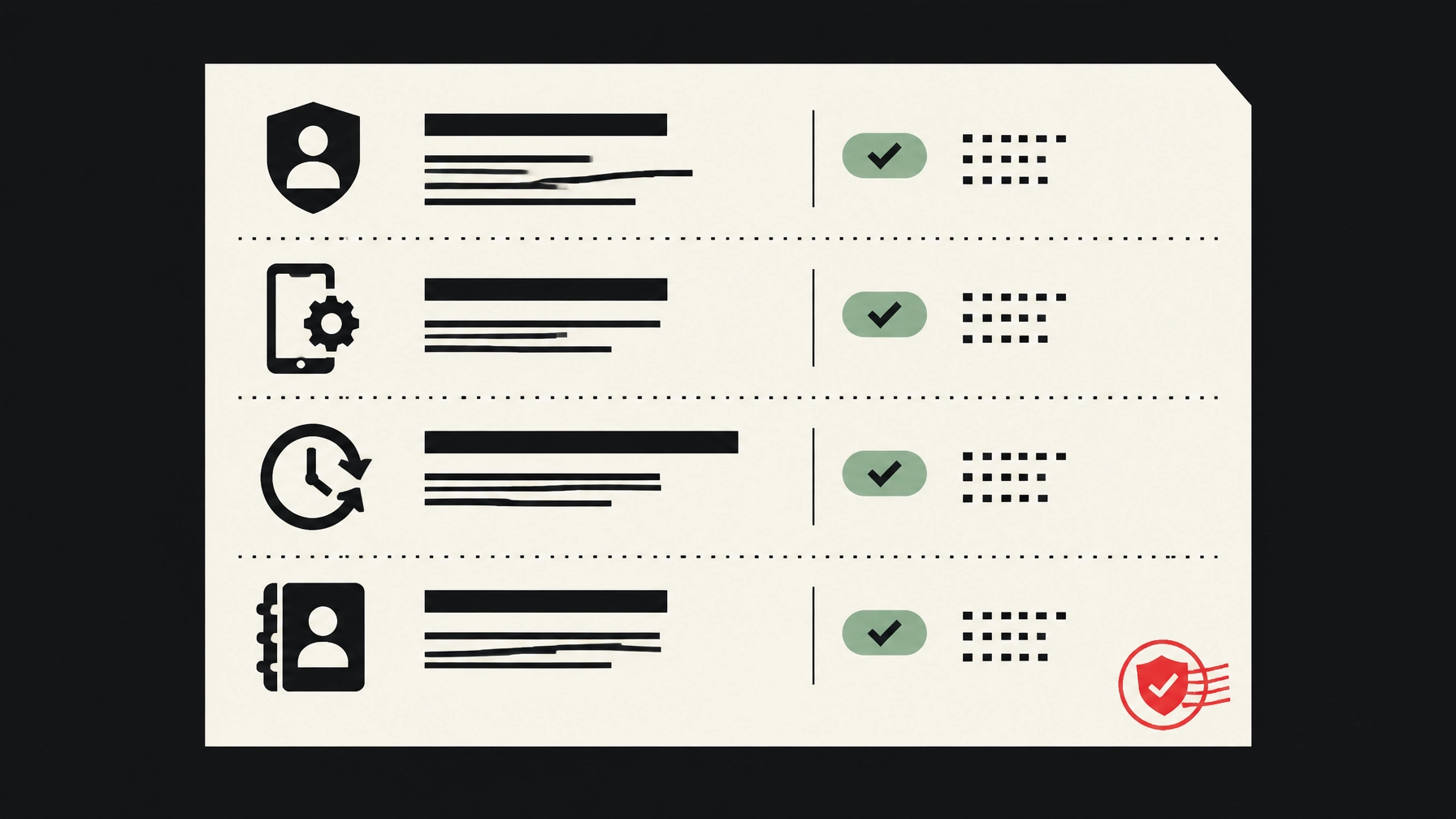
These steps do not erase public records or prevent every broker from finding new information. They help reduce the personal details you continue to make publicly available.
Request removal at the source
When you find a people-search listing, use the site’s own opt-out or removal process. Follow its instructions, including any identity verification it requires. Save the listing URL, the date you submitted your request, and any confirmation you receive. This gives you a record to refer to if you need to follow up.
Be thoughtful about the information you provide in a verification form. Use only what the site needs to process the request, and read its instructions before submitting sensitive documents. A site’s process and the information it asks for can vary.
An opt-out usually applies to that particular site. It does not automatically remove your information from other brokers, search engines, public records, or websites that copied the listing. If a source page is removed, a search engine may still show an outdated result for a time. Removing a search result is different from removing the page it links to.
For help with site-specific steps, TraceKill has opt-out guides for services including Whitepages, Spokeo, and BeenVerified. The instructions and processing times can change, so check the live site’s current process.
Use a repeatable routine
Privacy work is easier to maintain when you treat it as a recurring check, not a one-time cleanup. Brokers may rebuild profiles from new data, and removed listings can reappear. Re-check periodically, especially after a move, a phone-number change, or another event that changes the information available about you.
A simple routine can be enough:
- Keep a record of the sites where you found a listing and the dates you submitted requests.
- Check those sources again after the site’s stated processing period.
- If a listing is back, follow the current opt-out process again.
- Review your public account settings and contact details from time to time.
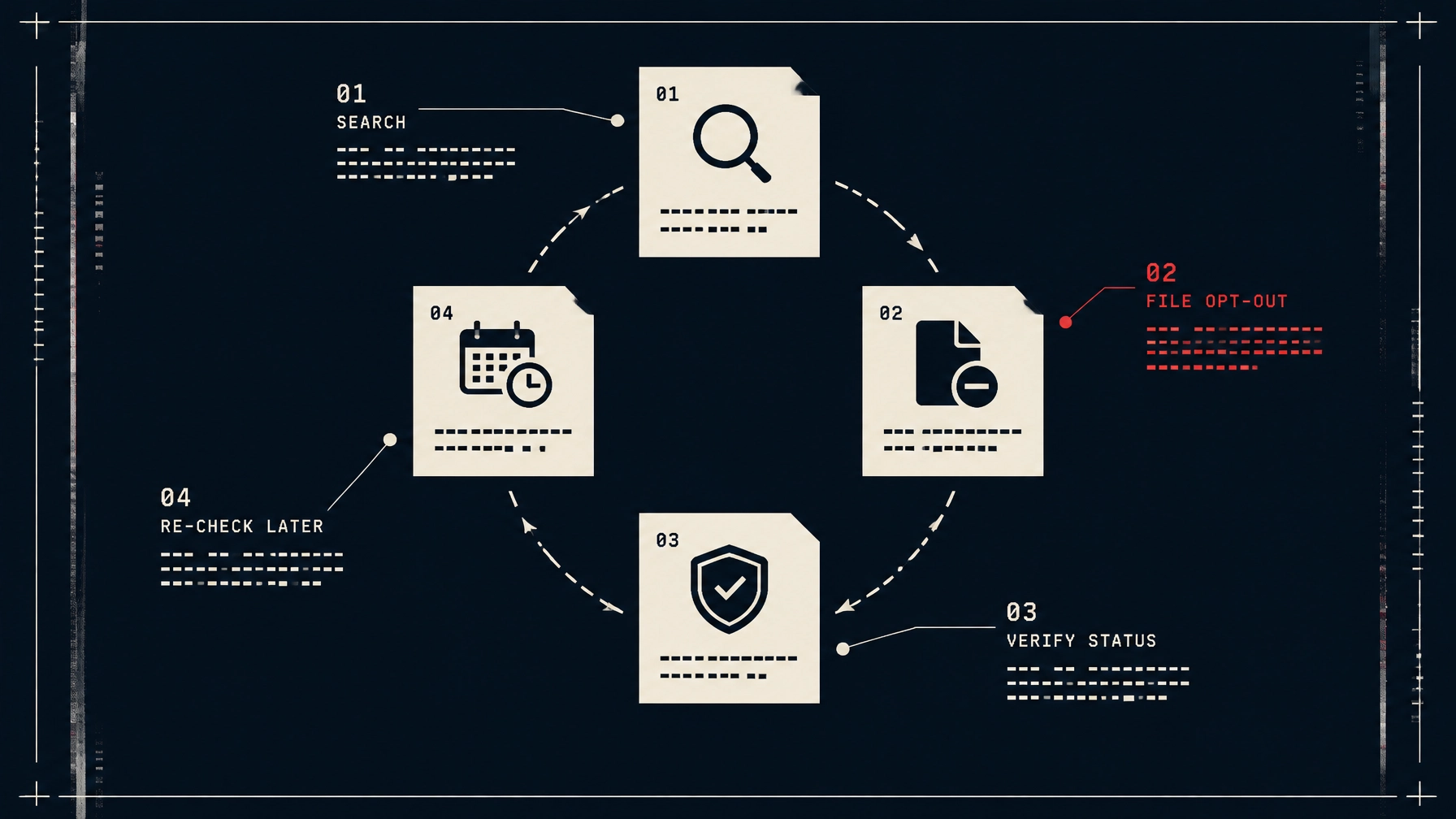
The right frequency depends on your situation and how much time you want to spend. There is no schedule that prevents every listing from returning, but keeping a record makes follow-up more straightforward.
Where TraceKill can help
If you want to start with a clearer picture of likely people-search and data-broker matches, TraceKill offers a free scan. Enter your name and location to check monitored sources for likely public profile matches. You do not need an account or payment card to start. Results depend on the sources checked and how well available details match your information.
A scan is a starting point, not a complete inventory of everything about you online. TraceKill checks monitored broker sources; it does not search every website or remove public records. Paid options offer help with supported opt-out requests and re-checks where public verification is available. Coverage and processing times vary by source, and listings may return.
You can review TraceKill’s pricing and plan details before choosing whether to handle requests yourself or use supported filing and monitoring. For information about how scan and account data is handled, read the privacy policy.
Take the next step
Taking back your privacy does not require you to disappear from the internet. It means making deliberate choices about what you share, requesting removal of listings where a site supports it, and checking whether those requests hold over time.
Start with the information you are most concerned about. Review the accounts you control, keep notes on removal requests, and re-check the sources that matter to you. If you would like a starting point, run a free TraceKill scan to see likely matches on monitored sources.
Last verified: November 2026. Broker opt-out processes change often — confirm the current steps on the live page before relying on them.
Free scan — no account required
This is one site. There are hundreds more.
Run a free scan to see which monitored sources list you — no card, no account, results in real time as each broker reports back. Do the opt-outs yourself with our guides, or let us file them for you on a paid plan and re-check month after month. We'll never tell you we erased you from the internet.
No credit card · No account · AES-256 encrypted
Keep going
What Happens to Someone’s Personal Information After They Die?
After a death, families are already handling paperwork and practical decisions. Then a search of the person’s name may bring up social profiles, people-search listings, old addresses, or photos. These can remain online because accounts stay open, data brokers retain profile information, and public records generally remain available. Some of this information can be addressed.…
Selling Your Home? Your Old Address Could Remain Online Long After the Sale
You sold the house, moved, and months later a search of your name still shows the old street. That can happen because a sale creates public records, and other websites may copy or combine information from them. You can take steps to address some of those online copies. The right step depends on where the…
A Data Broker Rejected Your Removal Request. Here’s What to Do
You submitted an opt-out request, received a rejection, or heard nothing back. The listing is still there. That does not always mean you are out of options. Most rejected opt-out requests fall into four categories. The first three are often fixable with a careful follow-up. The fourth may not be: a site might have a…