You Removed Your Personal Information. So Why Is It Back Online Again?
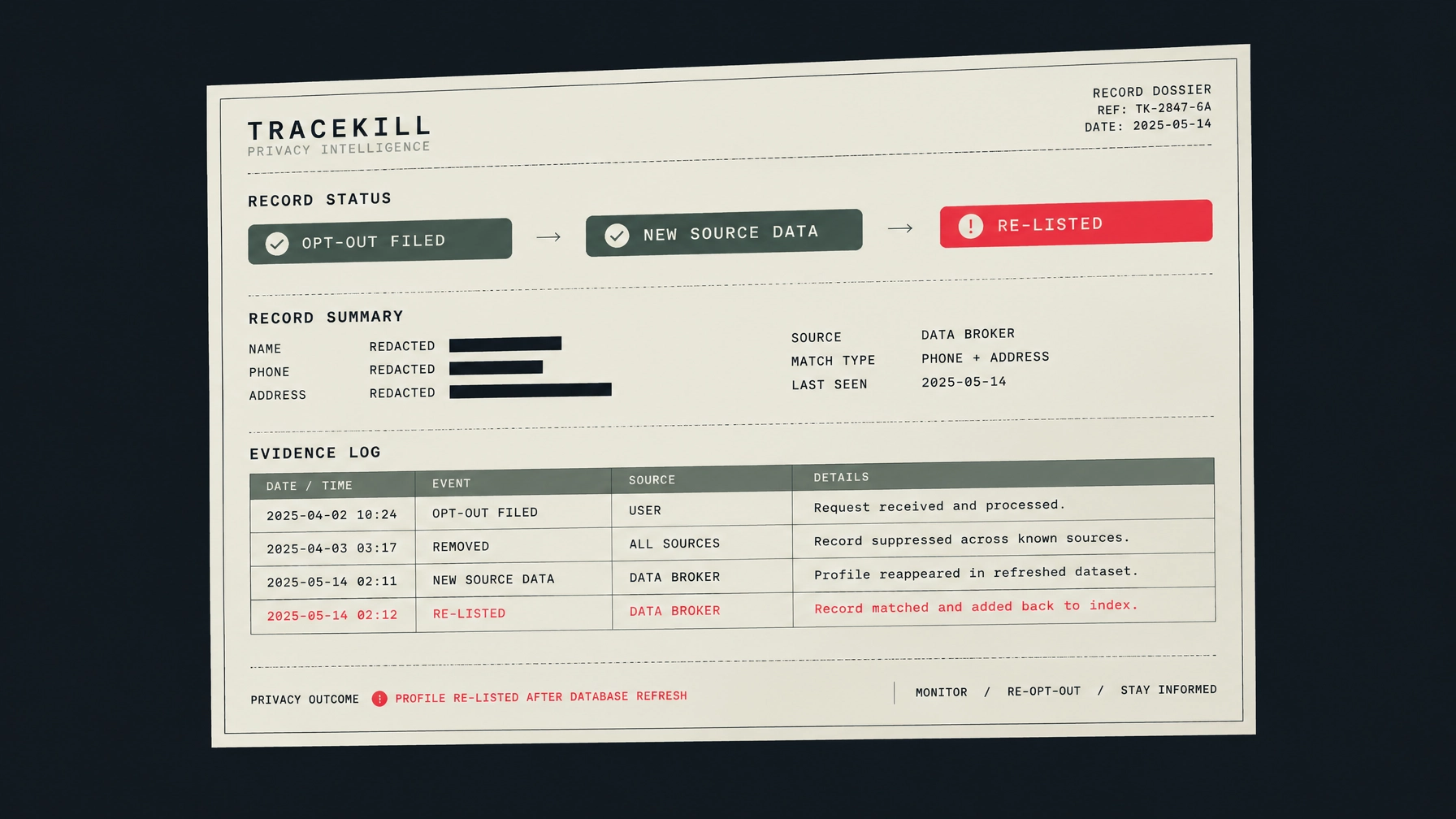
You submit an opt-out request, check back, and the listing is gone. Then months later, you search again, and find a profile that looks like yours.
That does not always mean the first request failed. Data brokers update their databases, and a new or changed record can lead to a profile appearing again. An opt-out usually applies to a particular listing on a particular site. It does not remove the source information everywhere or prevent every future listing.
Understanding how data broker re-listing happens can help you decide what to check next, and why recurring data removal often involves more than one request.
Why listings come back
People-search sites and data brokers build profiles from information gathered from different sources. These may include public records and other data sources that change over time. When a broker receives new information, it may update a profile or create another one.
Several things can lead to personal information reappearing:
- A source record changes. A new address or an updated public record may give the broker information it did not have when you opted out.
- A new profile does not match the old one. A name variation, a changed address format, or a different record may be treated as a separate listing.
- The opt-out covered only one listing. You may have more than one profile, URL, or product listing on the same site. Some services require a separate request for each one.
- The opt-out was not completed. Some sites ask you to confirm by email, phone, or another step. If that confirmation is missed, the request may not take effect.
- The information appears in a different place. Opting out of one broker does not automatically remove information from other brokers or from public records.
A returned search result can also be a cached page or an old search-engine snippet, rather than a current profile on the broker’s site. Check the live page before submitting another request.
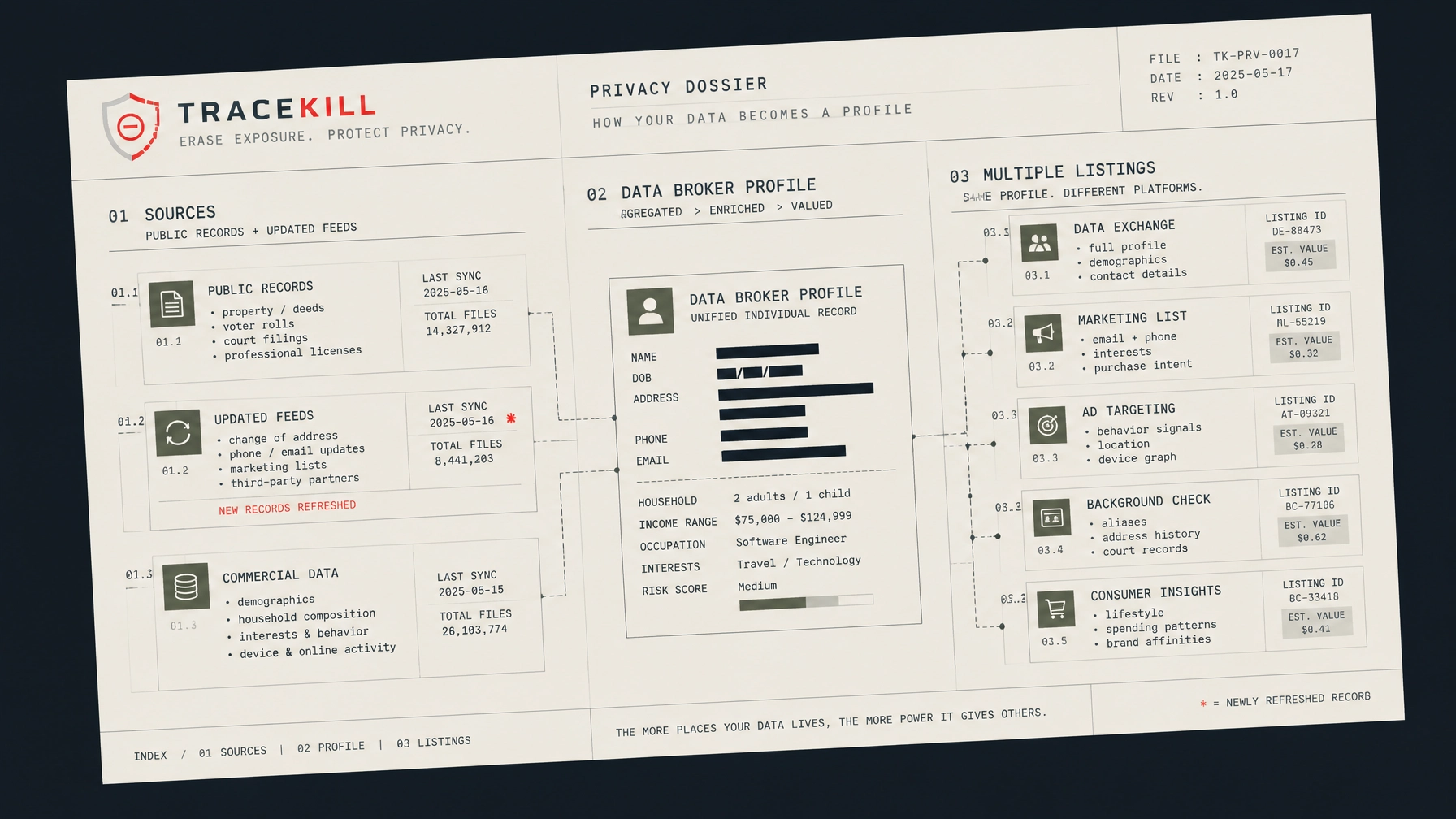
The Federal Trade Commission has described limits to people-search opt-outs, including cases where close matches may still appear in search results. The details vary by company and request. For background, see the FTC’s Data Brokers report.
Removal is not the same as source deletion
When a broker removes or suppresses a listing, that usually changes what the broker displays or makes searchable. It does not necessarily change the underlying public record, or remove copies held by other services.
That distinction matters. If a source updates or a broker receives another copy of your information, a new profile may appear. Some companies also make a distinction between removing one identified profile and suppressing all records they may associate with you. The scope depends on the site’s process.
For example, our guides explain the listing-specific steps for Whitepages and Spokeo. The Spokeo guide notes that each listing has its own URL and may need a separate opt-out. Our BeenVerified guide explains why you may also need to check related people-search sites separately.
Check whether it really returned
Before filing another request, confirm what you are seeing. This can prevent you from repeating an opt-out when the issue is a stale result or a different profile.
- Open the broker’s live page. Don’t rely only on a search-engine snippet.
- Compare the details. Check the name, location, address history, and other information against the listing you previously removed.
- Check the URL. A different URL may mean a separate listing that needs its own request.
- Look for duplicates. Search name variations and former locations, if relevant.
- Review your confirmation. Find the original email, text, or request record. Check whether the site asked for another step and whether you completed it.
- Keep a simple log. Record the site, profile URL, submission date, confirmation, and any follow-up check.
If the live profile is back, submit a new opt-out using the site’s current instructions. Provide only the information the broker reasonably needs to identify the listing. If the site offers a way to ask about broader suppression, check what that option covers before relying on it.
Why re-checks matter
A one-time opt-out can be useful. It can reduce exposure on the specific site and listing you addressed. But it cannot guarantee that a broker will not receive new data, create another profile, or require another request later.
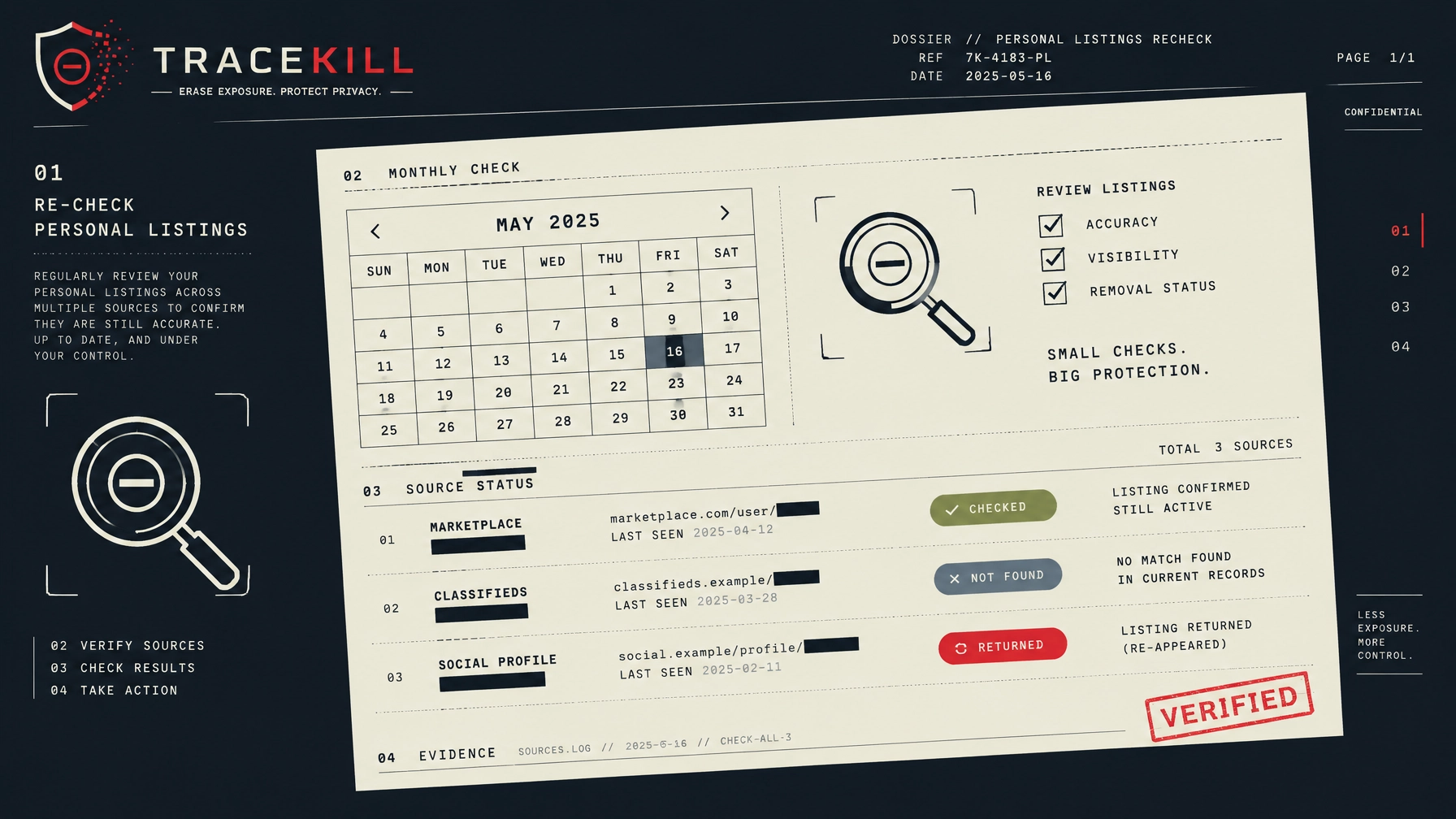
That is why it helps to monitor personal information online periodically. You can do this yourself with a calendar reminder and a list of sites you have checked. Search again every few months, or after a major change such as a move. There is no single schedule that fits every broker, and a re-check cannot prevent a new listing from appearing between checks.
If you prefer help keeping track, TraceKill’s Continuous plan is $8 per month, billed monthly, and can be canceled any time. It re-checks monitored brokers monthly and flags returned listings. Coverage and results vary by source. It checks supported sources only; it cannot guarantee complete removal across the internet. See the plan details.
Start with a free scan
If you are not sure which monitored sources have likely public matches, start with TraceKill’s free scan. Enter your name and location. No account or payment card is required.
The scan gives you a starting point for deciding what to review. It does not check every site or establish that each possible match is yours. Review results carefully before acting.
From there, you can file opt-outs yourself or choose a paid option for help. Our guide to DIY versus paid data removal explains the trade-offs.
A practical routine
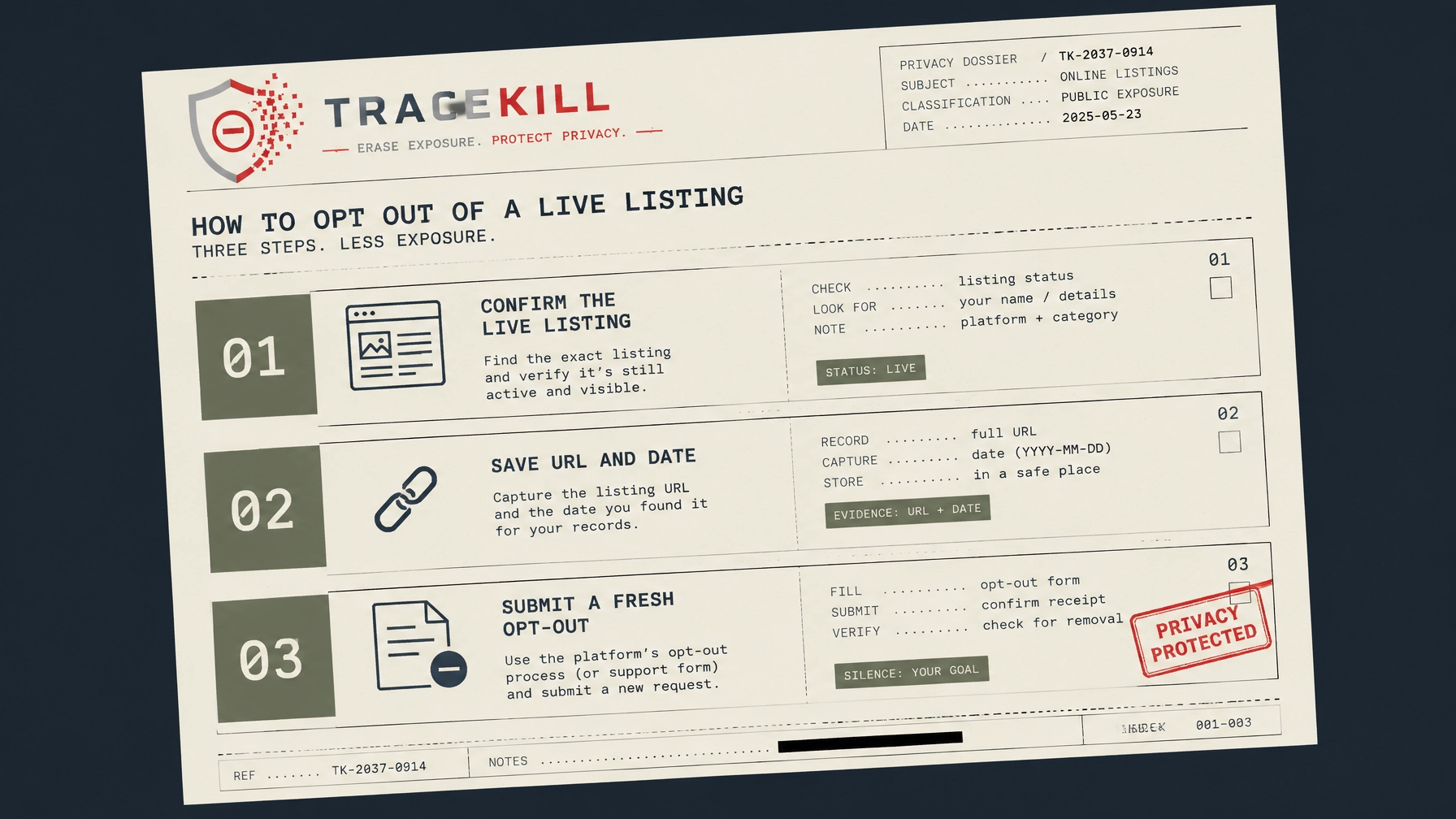
When you find a listing, save its URL and note the date. Submit the opt-out and complete any confirmation step. Re-check the live page after the broker’s stated processing period. Then make a note to review that source again later.
If the listing comes back, verify that it is current, check whether it is a new profile, and file another request where needed. Keep your records so you can see what changed and what remains unresolved.
Removal is a process to revisit, not a one-time guarantee. Regular checks can help you notice returned listings and respond, while keeping expectations grounded: results depend on the broker, the record, and the available opt-out process.
Last verified: November 2026. Broker opt-out processes change often — confirm the current steps on the live page before relying on them.
Free scan — no account required
This is one site. There are hundreds more.
Run a free scan to see which monitored sources list you — no card, no account, results in real time as each broker reports back. Do the opt-outs yourself with our guides, or let us file them for you on a paid plan and re-check month after month. We'll never tell you we erased you from the internet.
No credit card · No account · AES-256 encrypted
Keep going
What Happens to Someone’s Personal Information After They Die?
After a death, families are already handling paperwork and practical decisions. Then a search of the person’s name may bring up social profiles, people-search listings, old addresses, or photos. These can remain online because accounts stay open, data brokers retain profile information, and public records generally remain available. Some of this information can be addressed.…
Selling Your Home? Your Old Address Could Remain Online Long After the Sale
You sold the house, moved, and months later a search of your name still shows the old street. That can happen because a sale creates public records, and other websites may copy or combine information from them. You can take steps to address some of those online copies. The right step depends on where the…
A Data Broker Rejected Your Removal Request. Here’s What to Do
You submitted an opt-out request, received a rejection, or heard nothing back. The listing is still there. That does not always mean you are out of options. Most rejected opt-out requests fall into four categories. The first three are often fixable with a careful follow-up. The fourth may not be: a site might have a…