What If a Stranger Could Find Your Home in Just 5 Minutes? Your Personal Information Might Be Online.
1. Imagine a Stranger Finding Your Home Address in Minutes
Can someone find my home address online? Sometimes, yes. Imagine a person searching your name and quickly seeing a current or previous address, phone number, or details about relatives. The exact results depend on what information is available and which sites they check.
That possibility can feel unsettling, but it does not mean someone is actively watching you. Many listings are assembled from public records and commercial databases, then displayed on people-search websites. Some people never realize a profile exists until they look for it.
A few minutes of searching will not always reveal someone’s address. But checking what appears under your name can help you understand what is visible and what steps may be available.
2. How Does Your Personal Information End Up Online?
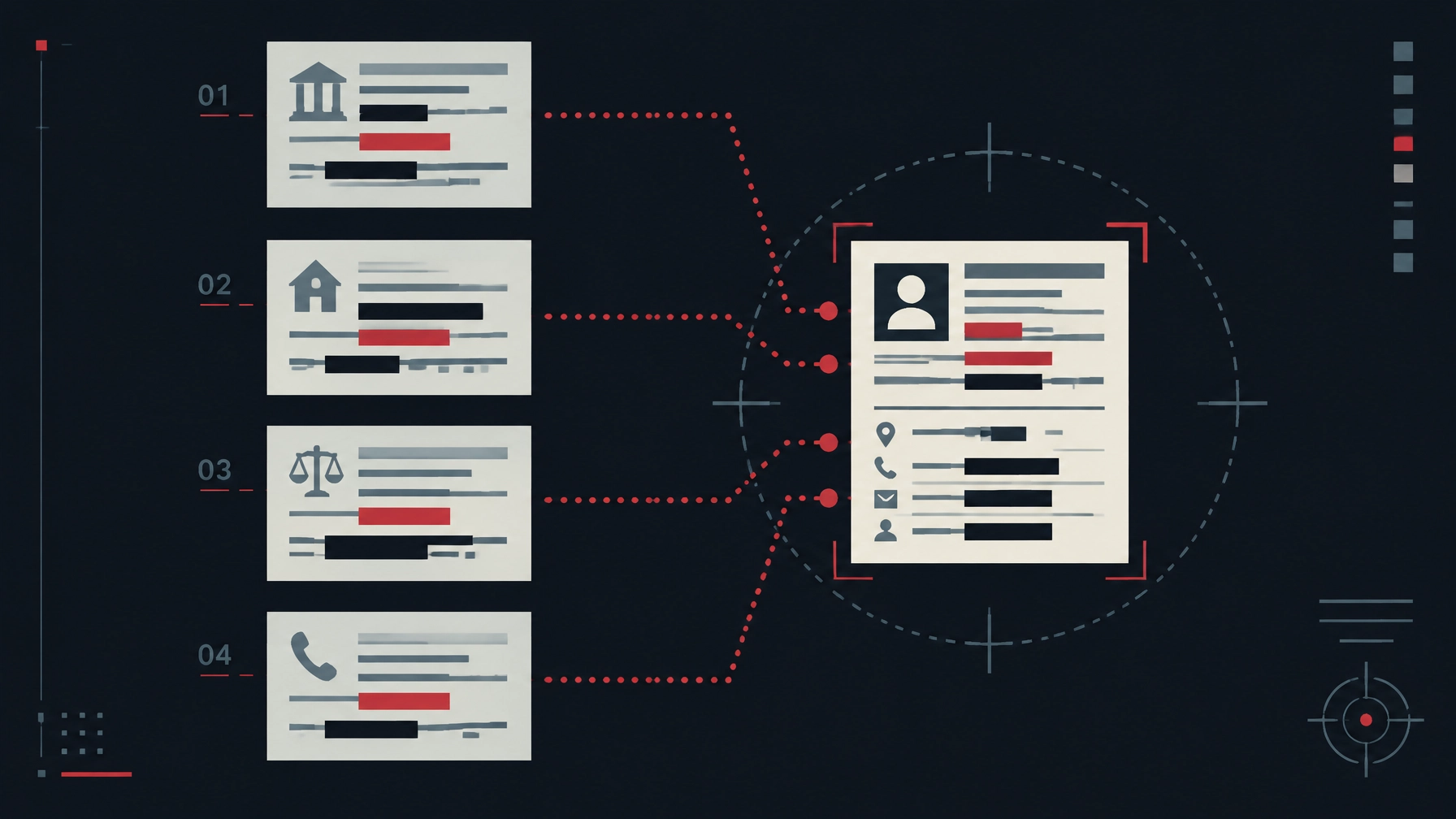
Data brokers collect information from sources such as public records, commercial data, and other available information. People-search websites organize some of that data into profiles that visitors can search.
A profile may combine details from different places. For example, a public record might show a name and address, while other sources may include a phone number or a past location. The information can be grouped together even if you never created an account on the people-search site.
Public records are not all alike. Different agencies publish different kinds of records, and access rules vary. A broker may also update its profiles as new information becomes available. So personal information exposed online can be incomplete, out of date, or mixed up with someone else’s details.
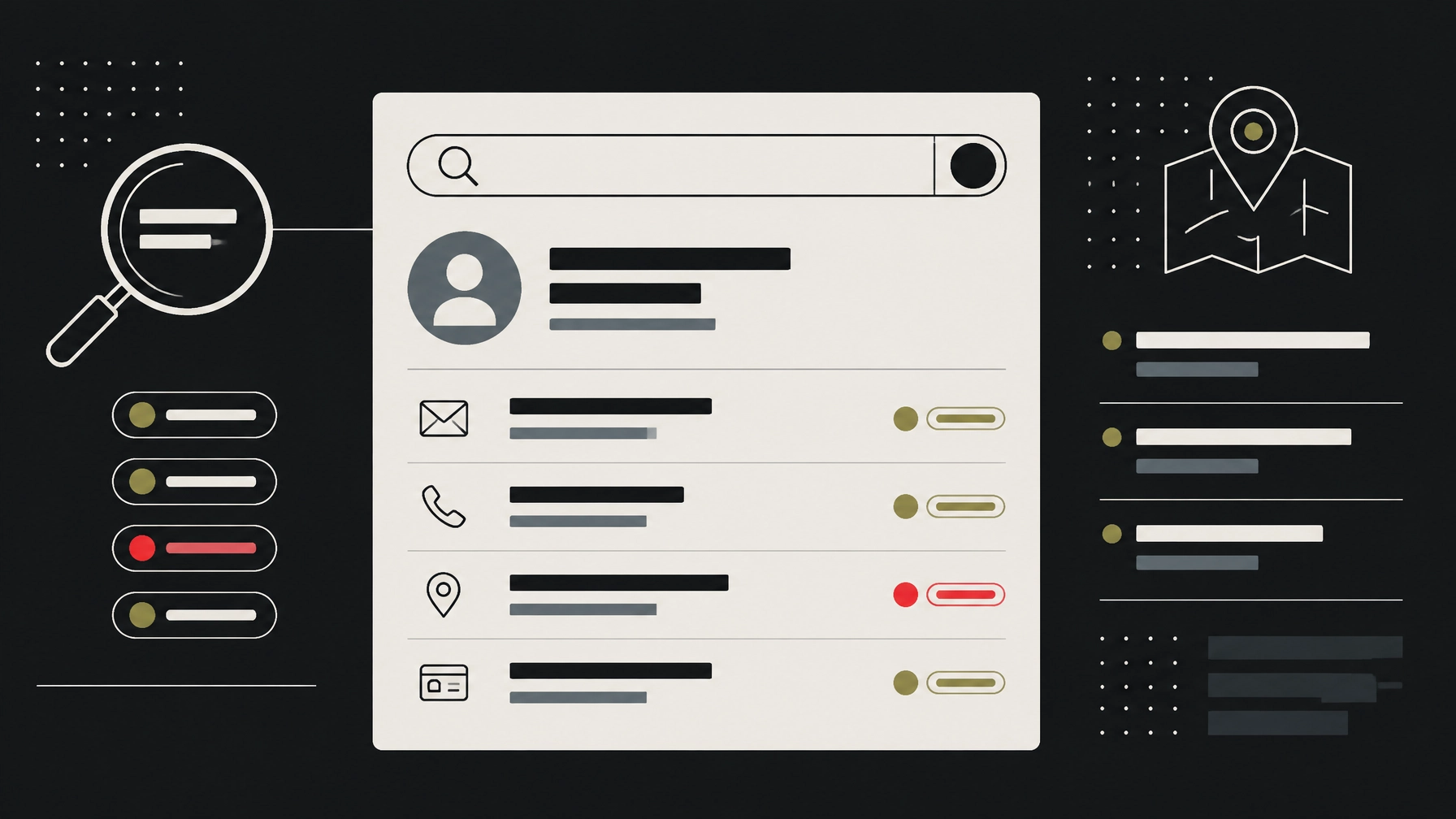
3. What Can Someone Find About You?
Depending on the person and the website, a people-search profile may display:
- A current or previous address
- A phone number
- Names of relatives or household connections
- Age or name variations
- Other details linked to public or commercial sources
Not every profile includes all of this information. Some sites show only basic details, while others may display more. Profiles can also contain errors or outdated information, so check carefully before assuming a result belongs to you.
4. Why Should You Be Concerned?
Having a listing online does not prove that anyone is tracking you. Still, personal details in one place can create unwanted attention, such as calls or messages you did not invite. Address or family information may also feel intrusive when it is easy for others to find.
In some situations, personal details can help someone make a message sound more convincing. A scammer, for example, may use familiar names or locations to create a false impression of trust. That does not mean a listing alone will lead to fraud, but limiting unnecessary exposure is one part of how to protect personal information online.
If you find an address online and are facing a specific threat or immediate danger, contact local emergency services or a qualified support organization. An online listing by itself is not evidence of an active threat.
5. How to Check If Your Home Address Is Online
If you’re wondering, “Is my home address publicly available?”, start with a few careful searches:
- Search your full name in Google.
- Search your name along with your city or state. Try common name variations if relevant.
- Check people-search websites and look for a profile that matches your details.
- Review whether a listing shows your phone number, current or previous addresses, or relatives.
- Note the page URL and the information shown. Avoid sharing the listing publicly.
A search result may point to a people-search profile, a public agency, or another type of website. Check the source before deciding what to do. Avoid entering sensitive information on unfamiliar sites just to view a listing.
Curious about what information strangers can find about you? Start with a free TraceKill scan and discover whether your personal information appears on supported data broker websites. The scan uses your name and location and does not require an account or payment card. Start your free scan.
6. How to Remove Your Personal Information From the Internet
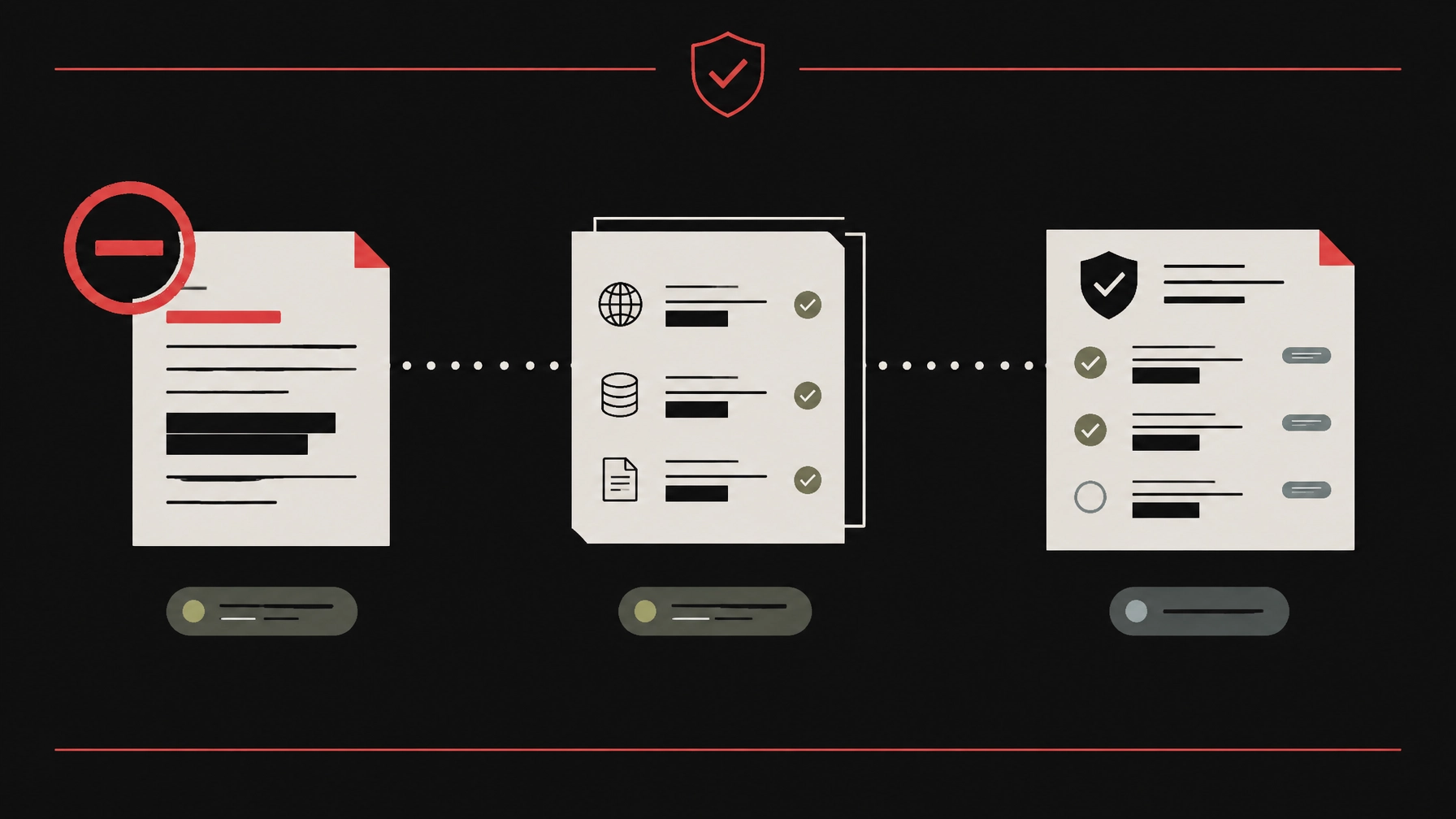
If you find a listing, you can take steps to request its removal. There is no single request that removes every copy of your information everywhere, and the process varies by site.
- Submit an opt-out request to the broker. Find the website’s privacy or opt-out instructions and follow its process. Save the confirmation and date.
- Contact the website operator. If the information is on a source website, ask its owner or administrator about removal or correction.
- Request removal from Google where eligible. Google’s personal information removal tools let you request removal of certain results, including some that show a home address or phone number. Google reviews requests, and not every result will qualify.
- Review your account privacy settings. Check social media, business profiles, and other accounts where you may have posted location details.
- Repeat the check later. Keep a simple list of sites, requests, and follow-up dates.
Removing a Google search result does not necessarily remove the information from the source website. Google explains that approved removal affects what appears in Google Search; the source page may remain online. If you want the underlying page changed, contact the website that publishes it.
If you’re looking for how to remove my home address from the internet, start with the specific source displaying it. Removing a broker listing or search result can reduce visibility, but it cannot guarantee that every copy or public record will disappear.
7. Why Your Personal Information Can Come Back
Data brokers may refresh their databases using new or updated information. A profile can return after an opt-out, and similar details may appear on another site. A removal request to one company does not automatically apply to other companies.
That is why it can help to re-check periodically. Keep your confirmations and revisit the sites where you submitted requests. If a listing returns, review the current opt-out instructions and submit another request where available.
8. Take Control of Your Online Privacy With TraceKill
TraceKill checks monitored data-broker sources for likely public profile matches using your name and location. The free scan is available at tracekill.com/scan without an account or payment card. Results and coverage vary by source, and a possible match may need closer review.
TraceKill also provides opt-out guides for individual sites:
- How to remove yourself from Whitepages
- How to remove yourself from Spokeo
- How to remove yourself from BeenVerified
Paid plans can help with supported opt-out requests and re-checks where public verification is available. No service can guarantee complete removal, and listings may reappear. Learn more about TraceKill and the available options.
9. Final Thoughts: Your Privacy Matters
Can someone find my home address online? It’s possible, but the answer depends on your information and the sources involved. A careful search can show you what may be visible and help you choose what to address first.
Protecting your online privacy is an ongoing process: check the sources, submit opt-outs where available, and revisit your results over time. Start with a free TraceKill scan to see whether your details appear on supported data broker websites.
Last verified: November 2026. Broker opt-out processes change often — confirm the current steps on the live page before relying on them.
Free scan — no account required
This is one site. There are hundreds more.
Run a free scan to see which monitored sources list you — no card, no account, results in real time as each broker reports back. Do the opt-outs yourself with our guides, or let us file them for you on a paid plan and re-check month after month. We'll never tell you we erased you from the internet.
No credit card · No account · AES-256 encrypted
Keep going
What Happens to Someone’s Personal Information After They Die?
After a death, families are already handling paperwork and practical decisions. Then a search of the person’s name may bring up social profiles, people-search listings, old addresses, or photos. These can remain online because accounts stay open, data brokers retain profile information, and public records generally remain available. Some of this information can be addressed.…
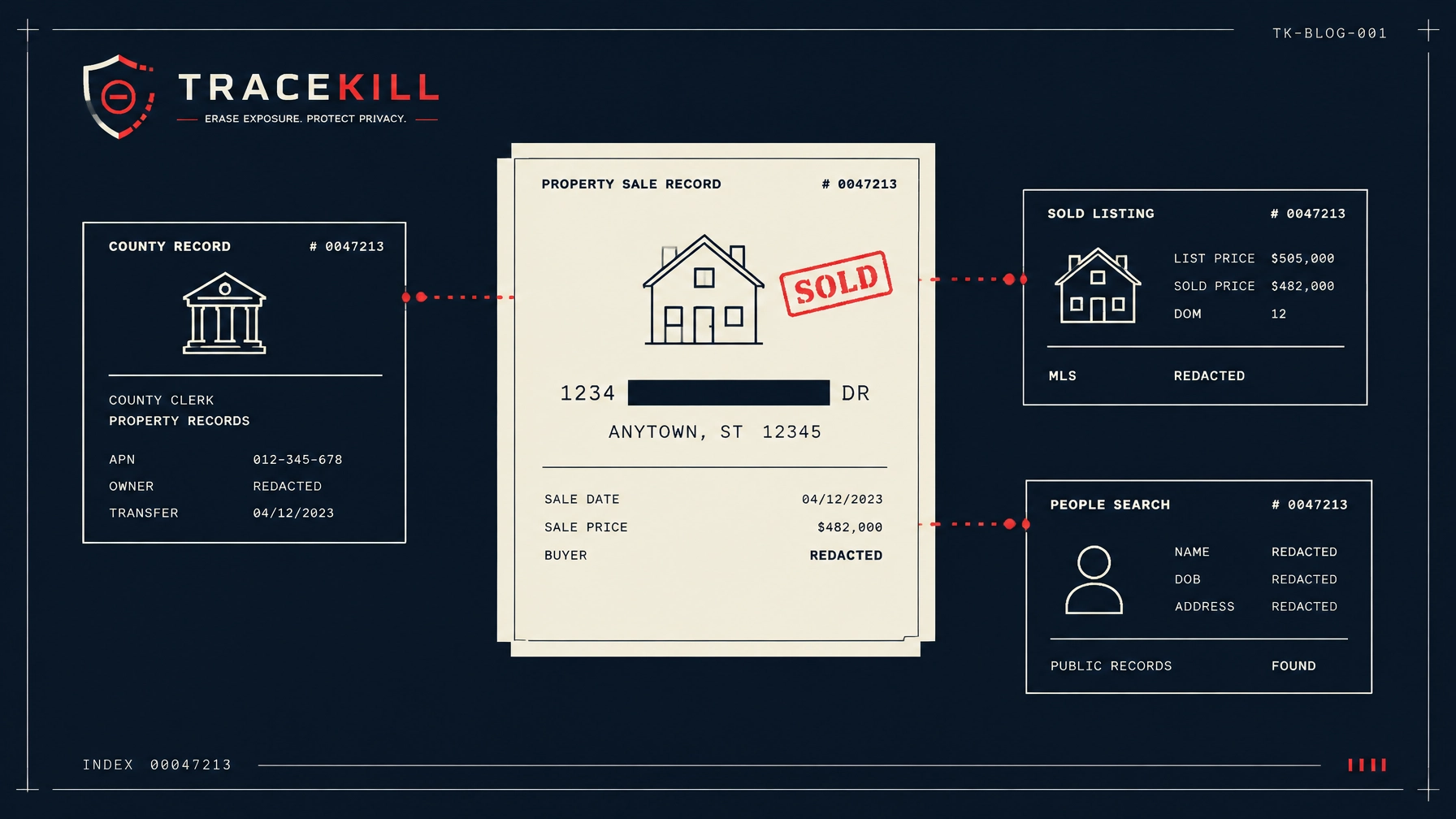
Selling Your Home? Your Old Address Could Remain Online Long After the Sale
You sold the house, moved, and months later a search of your name still shows the old street. That can happen because a sale creates public records, and other websites may copy or combine information from them. You can take steps to address some of those online copies. The right step depends on where the…
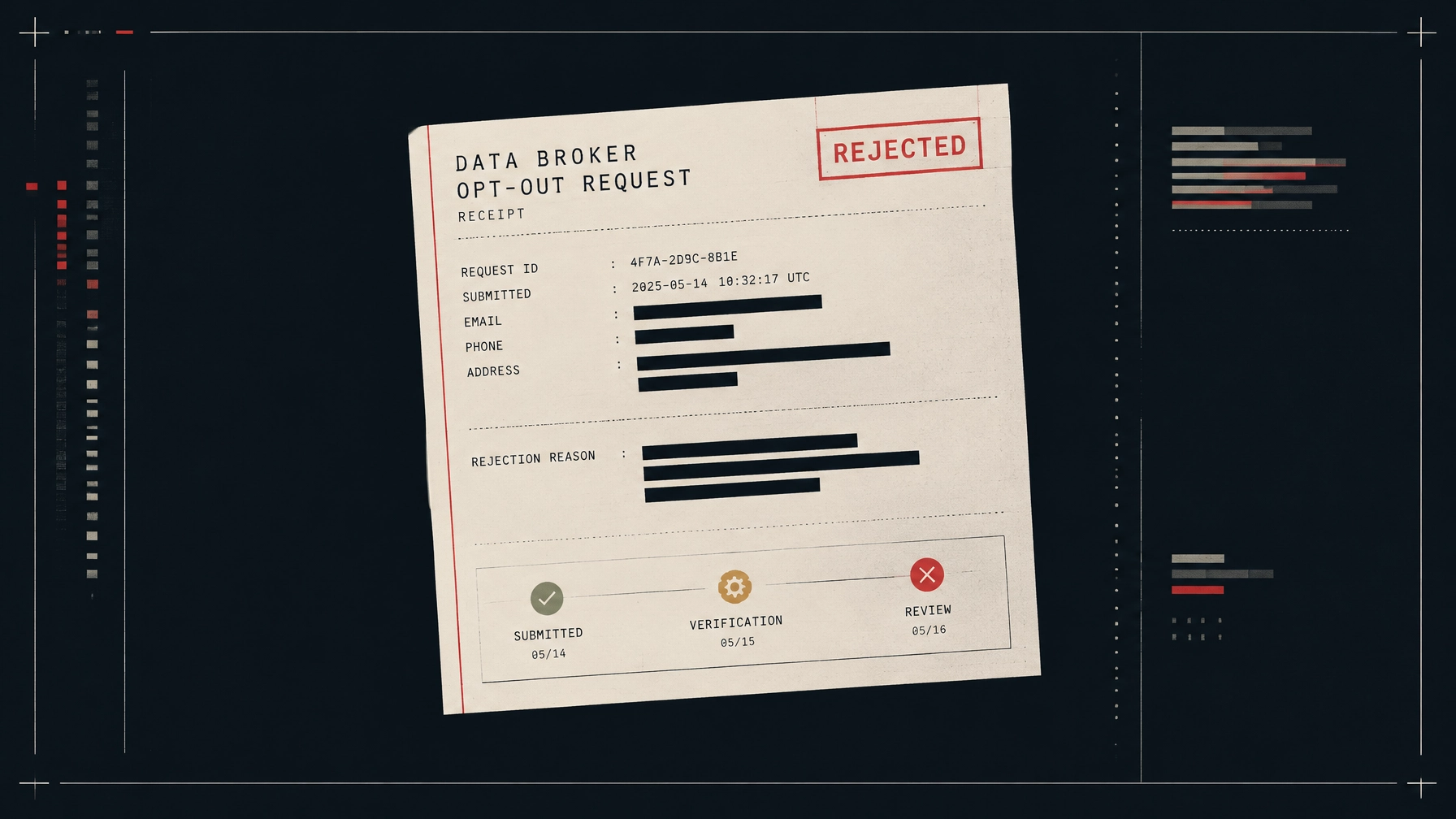
A Data Broker Rejected Your Removal Request. Here’s What to Do
You submitted an opt-out request, received a rejection, or heard nothing back. The listing is still there. That does not always mean you are out of options. Most rejected opt-out requests fall into four categories. The first three are often fixable with a careful follow-up. The fourth may not be: a site might have a…