You Lock Your Front Door Every Night. But What About Your Digital Front Door?
1. You lock your front door. But is your digital door open?
Before bed, you check the front door. Maybe you make sure a window is shut, too. It’s a simple routine that helps you feel your home is secure.
Now imagine someone looking up your name online and finding a current or previous address, a phone number, or names of relatives. That information may be available through a few searches, not because someone broke into your home, but because details about you have been collected and displayed online.
Physical security and digital privacy are different. One can’t replace the other. But both are worth checking. Understanding what’s visible about you online is a practical first step in learning how to protect your digital privacy.
2. What exactly is your digital front door?
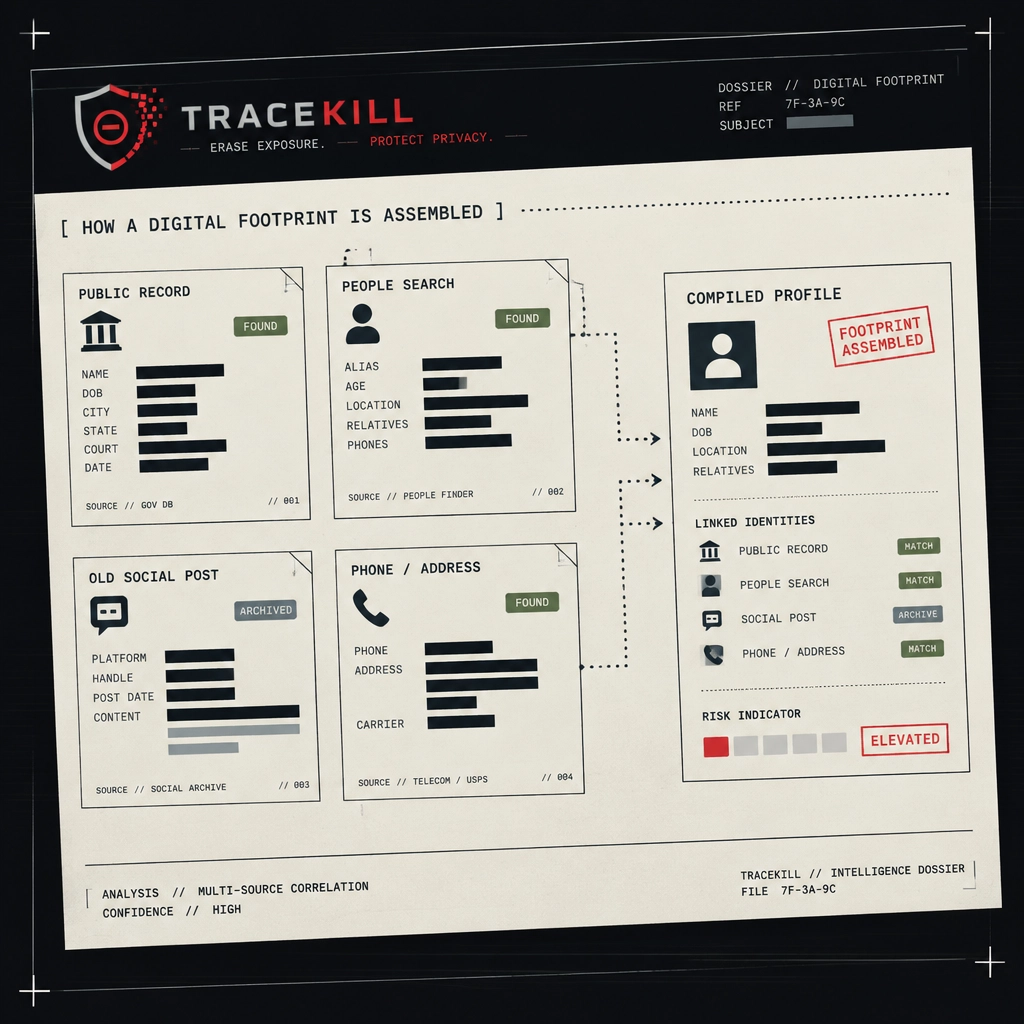
Your digital footprint is the trail of information about you across websites and online services. Some of it comes from what you choose to share, such as social media posts or directory listings. Other details may come from public records or other sources.
Data brokers collect and organize information from different sources. People-search websites then make some of it searchable in profile-style listings. Depending on the source, a profile might combine a name, location, phone number, address history, or possible relatives.
Each detail may seem ordinary by itself. Put together, they can form a more complete picture of a person. That’s why it helps to look beyond your social media accounts when you’re figuring out how to find your personal information online.
3. What’s behind your digital door?
The information on people-search websites varies by person and by site. A listing may include:
- Current or previous home addresses
- Phone numbers
- Names of relatives or associates
- Possible household connections
- Other details drawn from available records
A result can also be outdated, incomplete, or about someone with a similar name. Treat a profile as a possible match to check, not proof that every detail is accurate or current.
If you’re concerned about how to protect your home address online, start by noting which sites display it and whether the information appears on the original source or in a broker’s profile. The next steps depend on where it’s shown.
4. Who can find this information?
People-search visitors may look up a neighbor, a former acquaintance, or someone they’ve just met. Advertisers and marketers may use data to build or refine audience profiles. Scammers or people attempting unwanted contact may also use publicly available details to make a message seem more convincing.
That does not mean every listing leads to harassment or fraud. But personal details can sometimes help someone guess answers, create a more targeted approach, or connect information from different places. Reducing unnecessary exposure can make that information less easy to find.
5. Five ways to lock your digital front door
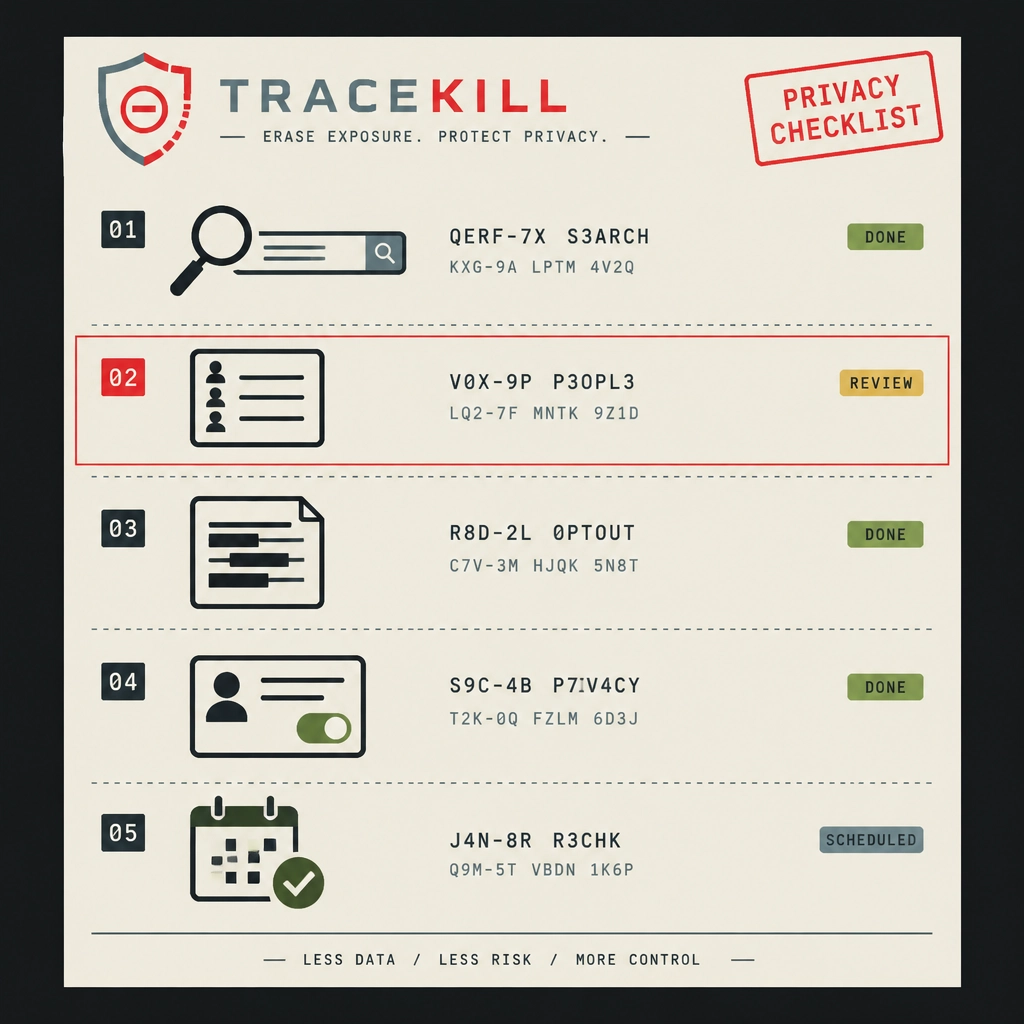
You can begin without a paid service. Keep a private note of what you find and the steps you take.
- Search your name. Try your full name with your city and state. If you’ve moved, search past locations too. Check for close matches before deciding a result is yours.
- Check people-search websites. Look for listings on data broker and people-search sites. Record the page URL and the details shown.
- Submit opt-out requests. Use the website’s own privacy or opt-out instructions. Follow its verification steps, and keep a note of when you submitted the request.
- Review what you share publicly. Check social profiles, old posts, and directory pages. Limit details you don’t need to make public, such as your full home address or daily routines.
- Set a reminder to look again. Listings can change or return. A periodic check helps you see whether a request worked and whether new profiles have appeared.
Not sure what's publicly available about you? Start by checking your digital footprint with TraceKill.
6. What happens when you remove your information?
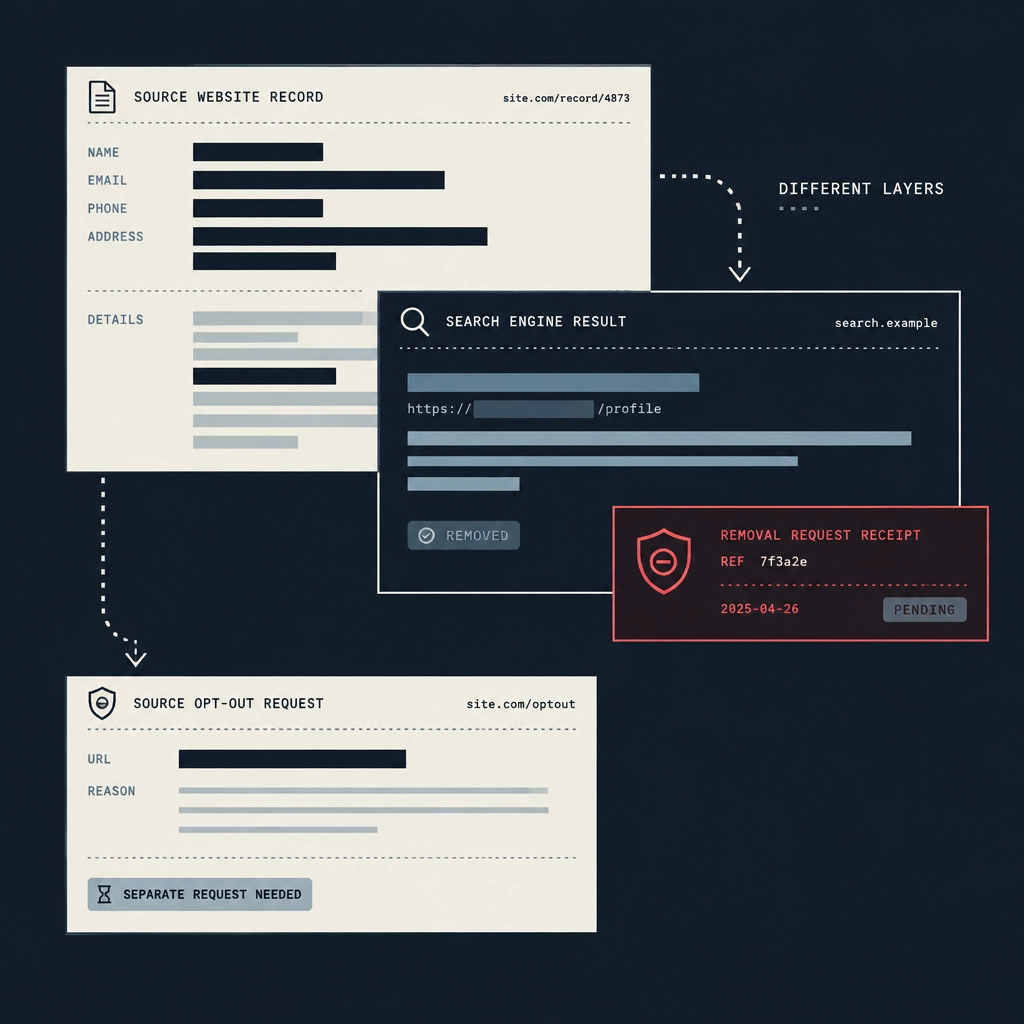
A data broker opt-out asks a specific site to remove or suppress a listing. Each site sets its own process. You may need to find the right profile, submit a request, and confirm it by email or phone. If you have multiple listings, you may need to request removal for each one.
Removing a result from Google is different. Google’s removal process may make certain qualifying links harder to find in search results, but it does not remove the page from the website that hosts it. To address the original listing, you generally need to contact that site or use its opt-out process. You can read about Google’s removal options.
Opt-outs also have limits. A site may keep information for reasons it describes in its policies, and details may be republished or appear in a new listing later. That’s why data broker removal is often an ongoing task: submit requests, check what changed, and re-check periodically.
7. Don’t leave your digital front door unlocked
TraceKill offers a free personal information scan that checks a name and location against supported, monitored data broker sources for likely profile matches. You don’t need an account or payment card to start. Results depend on the sources checked, and a likely match should be reviewed rather than assumed to be yours.
If you find a listing, you can use the site’s opt-out process yourself. TraceKill also provides guides for common people-search websites, including:
- How to remove yourself from Whitepages
- How to remove yourself from Spokeo
- How to remove yourself from BeenVerified
Paid plans offer help with supported opt-out requests and re-checks where public verification is available. Coverage, results, and processing times vary by source. No scan or opt-out can promise that every copy of your information will be removed, so it’s useful to keep checking over time.
8. Your digital privacy deserves protection, too
Your digital footprint can include details you shared yourself and information gathered from other sources. You may not be able to control every record, but you can learn what’s visible, request opt-outs where available, and revisit the results.
You wouldn’t knowingly leave your front door unlocked every night. It’s worth giving your digital front door a similar check. Start with a search, review possible matches carefully, and take the steps that make sense for you.
Your physical home deserves protection. Your digital identity does too. Take the first step today with TraceKill's free personal information scan.
Last verified: November 2026. Broker opt-out processes change often — confirm the current steps on the live page before relying on them.
Free scan — no account required
This is one site. There are hundreds more.
Run a free scan to see which monitored sources list you — no card, no account, results in real time as each broker reports back. Do the opt-outs yourself with our guides, or let us file them for you on a paid plan and re-check month after month. We'll never tell you we erased you from the internet.
No credit card · No account · AES-256 encrypted
Keep going
What Happens to Someone’s Personal Information After They Die?
After a death, families are already handling paperwork and practical decisions. Then a search of the person’s name may bring up social profiles, people-search listings, old addresses, or photos. These can remain online because accounts stay open, data brokers retain profile information, and public records generally remain available. Some of this information can be addressed.…
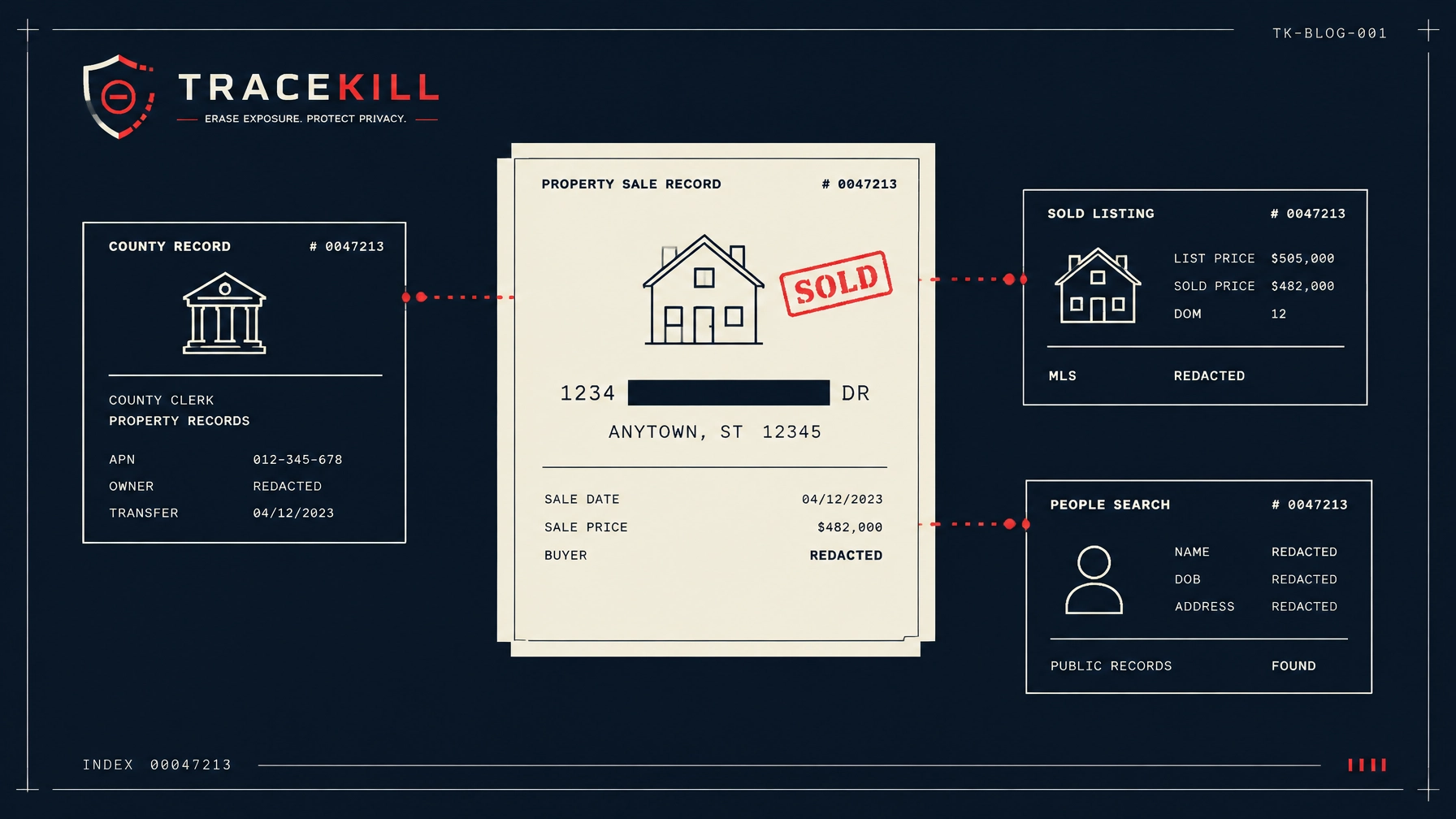
Selling Your Home? Your Old Address Could Remain Online Long After the Sale
You sold the house, moved, and months later a search of your name still shows the old street. That can happen because a sale creates public records, and other websites may copy or combine information from them. You can take steps to address some of those online copies. The right step depends on where the…
A Data Broker Rejected Your Removal Request. Here’s What to Do
You submitted an opt-out request, received a rejection, or heard nothing back. The listing is still there. That does not always mean you are out of options. Most rejected opt-out requests fall into four categories. The first three are often fixable with a careful follow-up. The fourth may not be: a site might have a…