Selling Your Home? Your Old Address Could Remain Online Long After the Sale
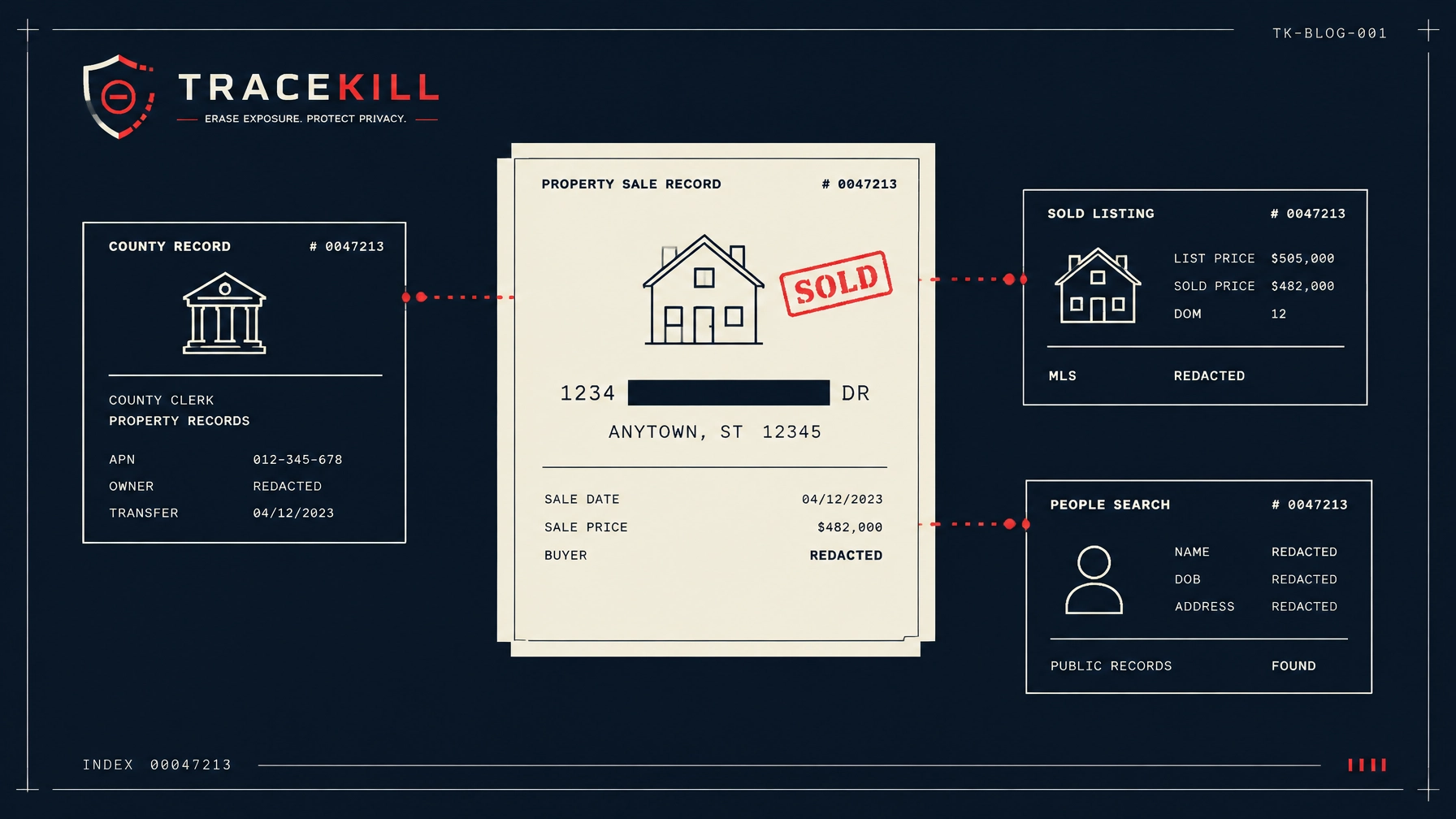
You sold the house, moved, and months later a search of your name still shows the old street. That can happen because a sale creates public records, and other websites may copy or combine information from them.
You can take steps to address some of those online copies. The right step depends on where the information appears. A people-search profile, a real estate portal page, and a county deed record are separate records with different rules.
The county record usually stays
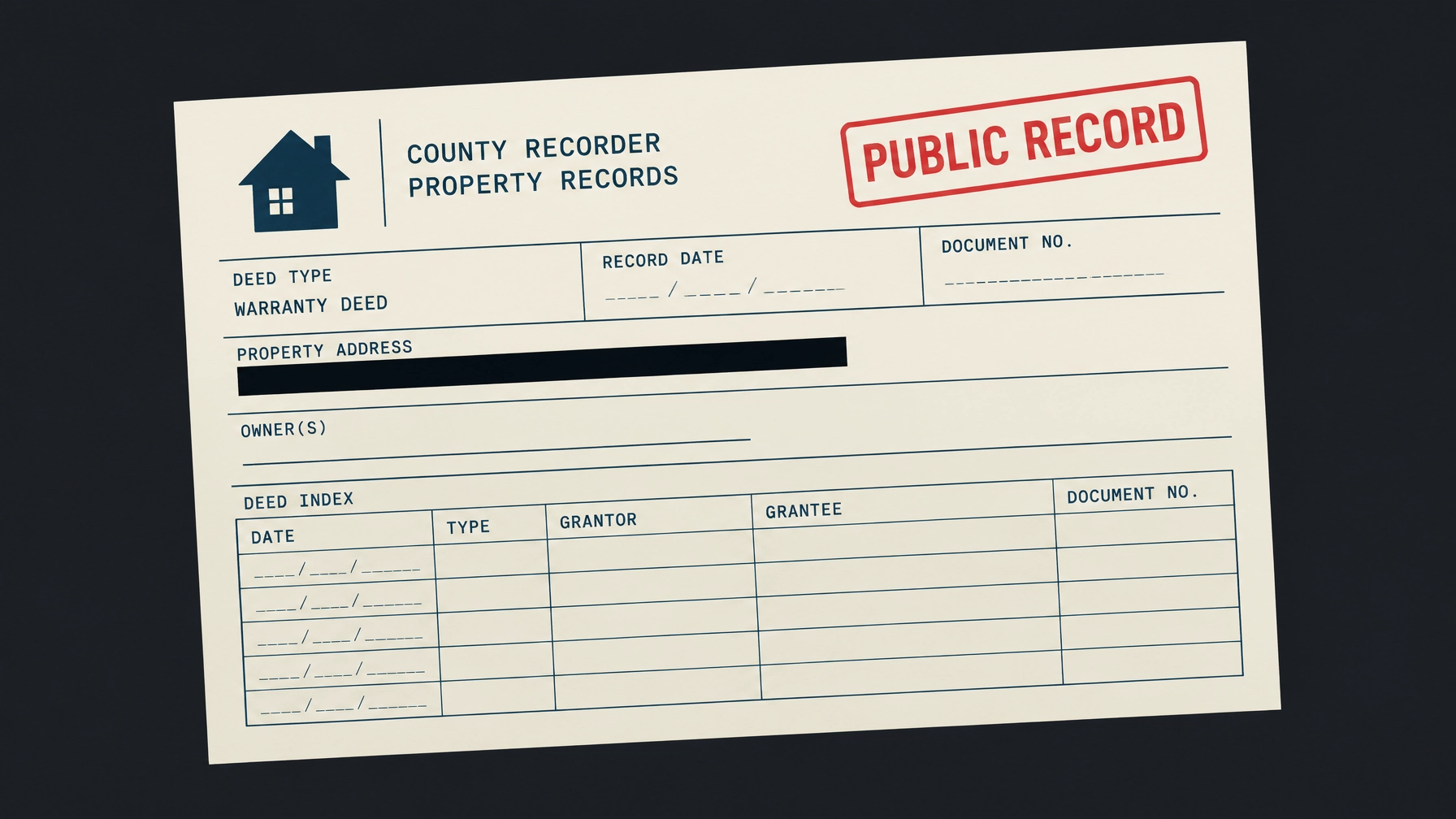
When a home is sold, the deed is recorded with the county recorder or clerk-recorder. Deeds and related property records are generally public. They commonly document ownership and sale dates. Depending on state law and the records involved, sale prices may also be available.
These records usually do not disappear when a property changes hands. Recording the sale is part of documenting the property’s history. So if you are trying to remove old address online, it helps to know that an opt-out from a private website does not remove the underlying county record.
Some counties and states have processes to redact or restrict certain personal information in public records. Rules and eligibility vary. Contact your county recorder and check your state’s law to learn whether a process applies to your situation. Do not assume a request will remove the deed or hide every detail.
Other sites make copies and profiles
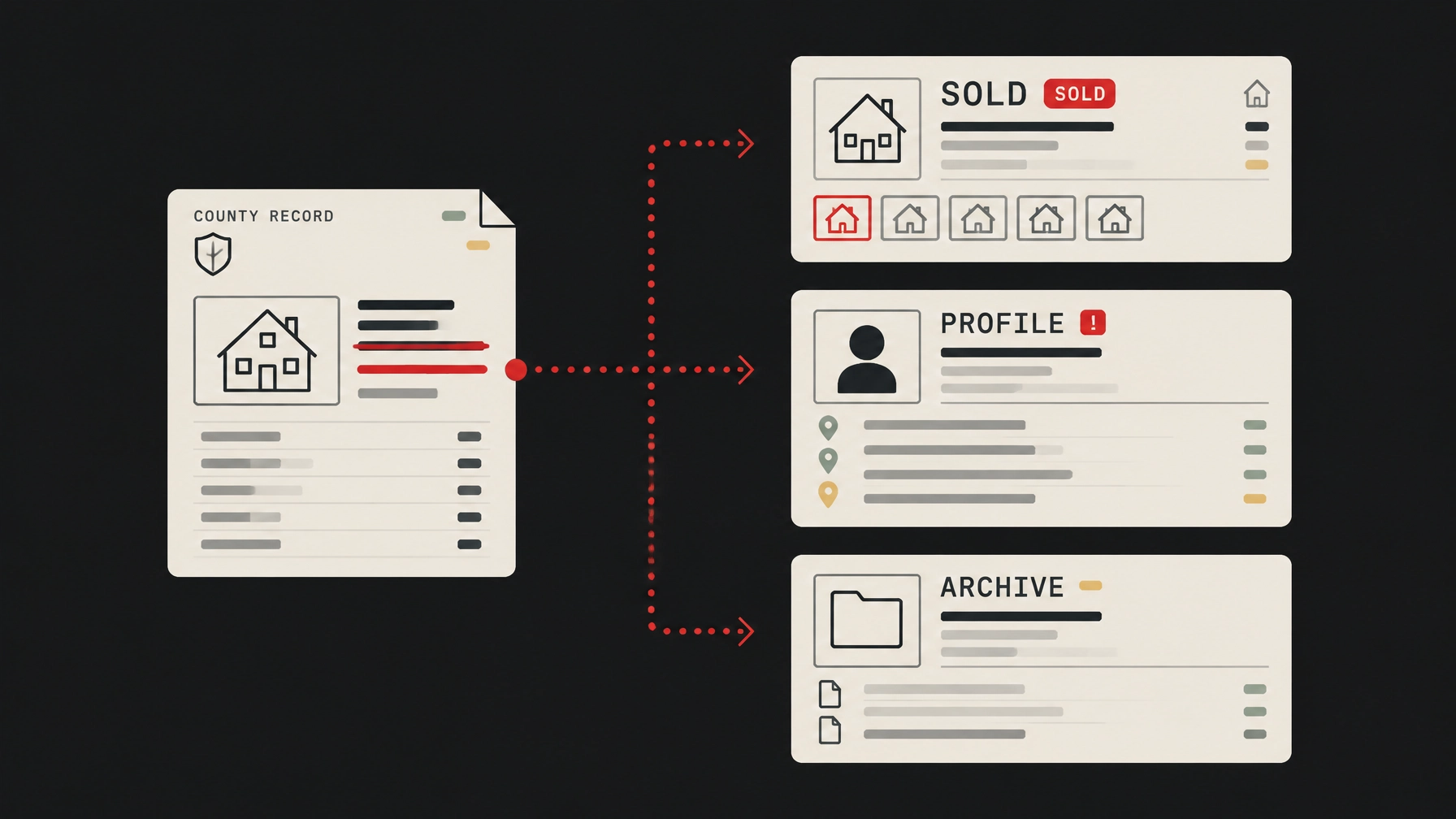
Public records are one source that other sites may use. Real estate portals publish listing information, and sold-home pages often remain online after a transaction. Archived pages or copies may also continue to appear in search results.
People-search and data broker sites create a different kind of record. They may connect a person’s name to current and previous addresses, then display that history in a profile.
These are separate layers. Asking a people-search site to suppress its profile does not change the county record. Asking a real estate portal about a sold listing does not automatically remove copies on other sites. Each site has its own process, and results vary.
Address history on people-search profiles
A people-search profile may list an old address alongside names, possible relatives, or other details. A previous address may be used to help confirm someone’s identity. It can also be used to guess the answer to a security question, particularly if the person has reused information across accounts. The risk depends on what is exposed and how other services use it.
If you find your old address on a profile, start with that site’s own opt-out or removal instructions. Submit the profile URL and the information the site requests. Keep a copy of the submission and any confirmation.
A successful request may remove or suppress the profile on that site. It does not delete the county record the site may have used. A profile may also return if the site refreshes its data, so check again later. The old address still online after selling a house may therefore require separate requests to multiple sites, followed by periodic re-checks.
Sold listings on real estate portals
A sold-home page often stays available after closing. Depending on the portal and the page, it may show the address, listing photos, price history, and dates. Policies differ by portal, and some information may remain because it comes from public records.
Find the portal’s own help or removal page and ask what, if anything, it can suppress. Be specific about the page and the details you want reviewed. A portal may limit what it can change, and a request to one portal will not necessarily affect other sites or archived copies.
If you are concerned about interior photos, ask the portal what options are available for that listing. You can also contact the listing agent or brokerage to ask whether they can request a change. Do not assume that either step will remove every photo or record.
Before your next purchase
If you expect to buy another home, consider asking a qualified real estate or legal professional how different ownership arrangements may appear in public records. Holding property through a trust or company may change what some records display, but effects vary. It is not a complete privacy fix, and it may have legal or financial consequences.
Where the process allows it, ask whether you can use a mailing address that is not the home address. Make sure required documents remain accurate and follow the relevant rules.
Some states offer address confidentiality programs for eligible people, including certain survivors of violence or stalking. Eligibility, application steps, and what records a program can protect vary by state. Contact the appropriate state office to understand what the program covers. Do not assume it hides every record or removes records already available.
A practical order of operations
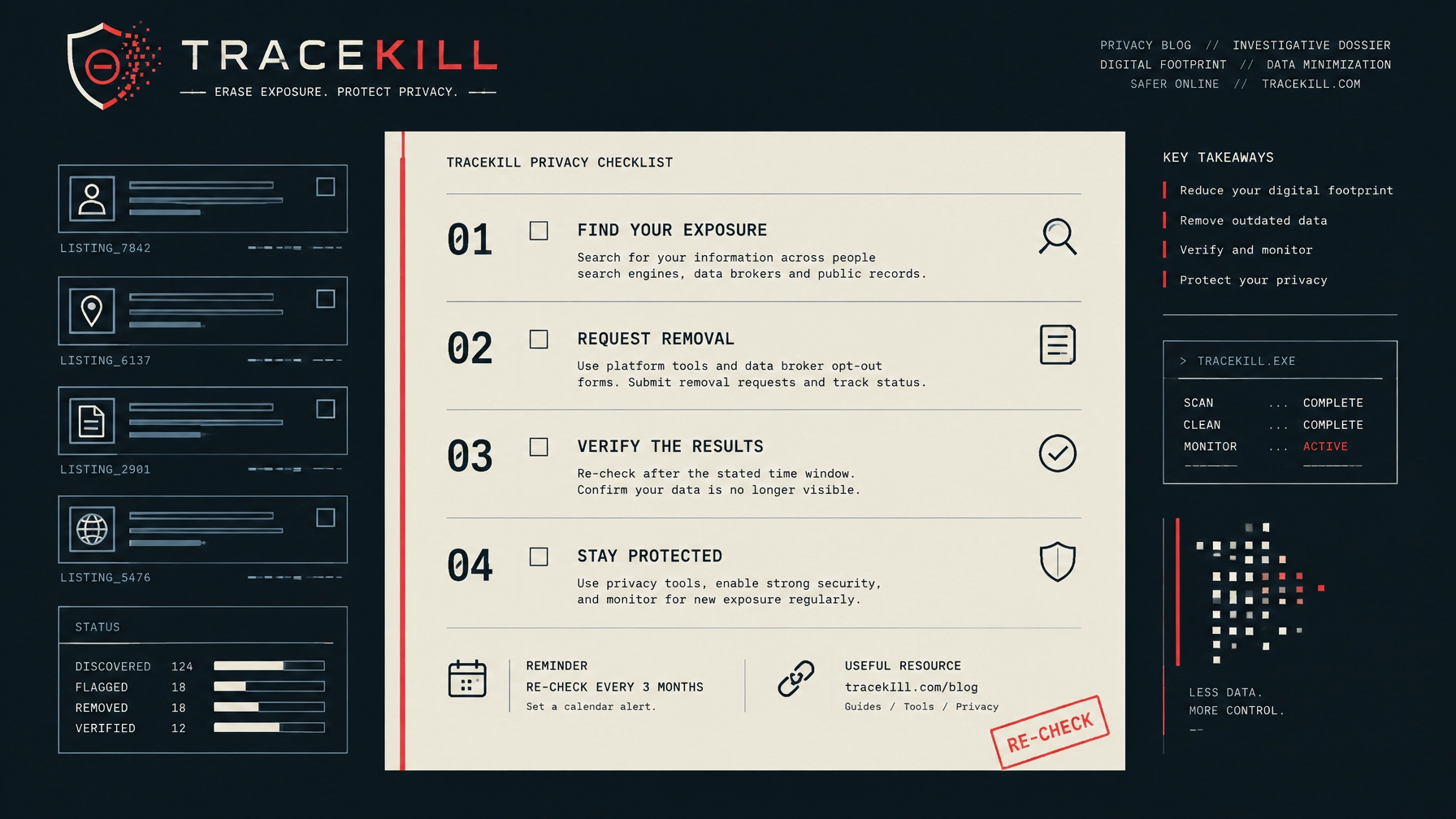
Use this sequence to separate the records and keep track of your requests:
- Check what is visible. Search for your name and both your current and old addresses. Note which results are county records, real estate pages, or people-search profiles.
- Handle people-search profiles. Use each site’s own opt-out process. Save the profile URL, submission date, and any confirmation.
- Contact real estate portals. Use each portal’s help or removal page. Ask what details it can suppress and what may remain.
- Keep a request log. Record the site, URL, date, and response. This makes follow-up easier if the page remains visible.
- Re-check later. Set a reminder for a few months from now. Pages can persist, and data broker profiles can reappear.
Check monitored data broker sources
TraceKill offers a free scan using your name and location to check monitored data broker and people-search sources for likely matches, including outdated details. You do not need an account or payment card to start. Results vary by source, and the scan is not a complete inventory of every site that may show your information. It does not search or change county property records or real estate portal pages.
If you find a likely match, TraceKill’s one-time $9.99 removal guide provides supported opt-out steps for you to follow. The $8-per-month plan offers help with supported opt-out requests and monthly re-checks where public verification is available. Coverage and processing times vary by source, and listings can reappear.
Last verified: November 2026. Broker opt-out processes change often — confirm the current steps on the live page before relying on them.
Free scan — no account required
This is one site. There are hundreds more.
Run a free scan to see which monitored sources list you — no card, no account, results in real time as each broker reports back. Do the opt-outs yourself with our guides, or let us file them for you on a paid plan and re-check month after month. We'll never tell you we erased you from the internet.
No credit card · No account · AES-256 encrypted
Keep going
What Happens to Someone’s Personal Information After They Die?
After a death, families are already handling paperwork and practical decisions. Then a search of the person’s name may bring up social profiles, people-search listings, old addresses, or photos. These can remain online because accounts stay open, data brokers retain profile information, and public records generally remain available. Some of this information can be addressed.…
A Data Broker Rejected Your Removal Request. Here’s What to Do
You submitted an opt-out request, received a rejection, or heard nothing back. The listing is still there. That does not always mean you are out of options. Most rejected opt-out requests fall into four categories. The first three are often fixable with a careful follow-up. The fourth may not be: a site might have a…
Your Data Is Being Used to Make Predictions About You. Here’s What That Means
A company you have never heard of may hold a guess about your income, your health, or whether you are about to move. That guess is an example of profiling: drawing conclusions from data rather than simply storing it. The guess may come from bits of information collected across different places. It may be incomplete…