Why Do You Keep Getting Spam Calls? Your Phone Number Might Be Listed Online
Your phone rings again. It is an unfamiliar number, and you are not sure whether to answer. One possible reason for unwanted calls is that your phone number is listed online on a people-search site or in a data broker profile.
That is worth checking, but it is only one possible source. Spam calls can also come from telemarketing lists, data breaches, and robocall campaigns. Removing a listing may reduce public exposure, but it will not eliminate calls or remove your number from every list.
Here’s how to check for a listing, request removal, and take separate steps to limit unwanted calls.
How phone numbers end up online
Data brokers gather information from many sources, combine records they believe belong to the same person, and may publish profiles on people-search websites. Those sources can include public records, commercial data, and information shared with businesses.
Your number may also be collected when you fill out a form, enter a giveaway, or provide details to a service. A number you used in the past may remain attached to older records. Brokers can update or republish profiles as they receive new information.
A listing is not proof that a broker caused a particular call. A caller might have found your number somewhere else, and caller ID can be spoofed. Treat an online listing as a privacy issue you can address, not as a confirmed explanation for every ring.
What a listing may show
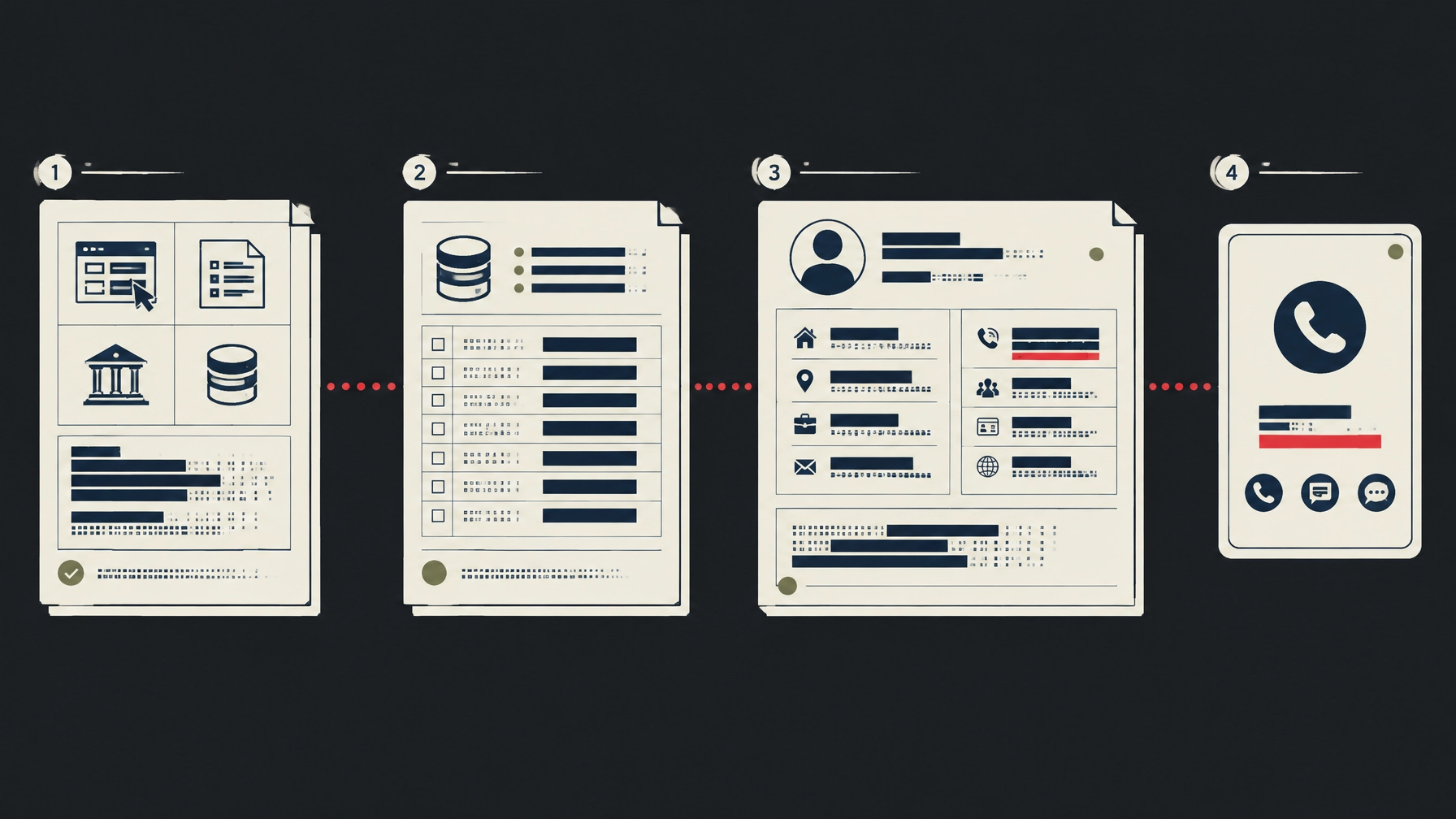
A data broker phone number profile may connect a number with your name, a current or past address, relatives, or other identifying details. Some sites may also label a number by type, such as mobile or landline.
Not every site has a profile for every person, and details vary by person and source. Information may be incomplete, outdated, or incorrectly matched. A listing that appears to be yours should be checked carefully before you act.
How to check if your number is listed
Start with a search for your phone number in a search engine. Try it with and without punctuation, and in quotation marks. Then search your name with your city or state on people-search sites. Look for profiles that display the number, and note which site hosts each one.
You can also use TraceKill’s free scan to check monitored broker sources for likely public profile matches. The scan uses your name and location; it does not require an account or payment card. Review any likely match before treating it as your profile. People with similar names or locations can be confused, so check details such as previous cities or other profile information where available.
The scan is a starting point, not a guarantee that every site or phone-number listing will appear. Coverage and results vary by source. If a profile looks like yours, open the source site and verify whether your number is actually displayed.
How to remove a phone number from people-search sites
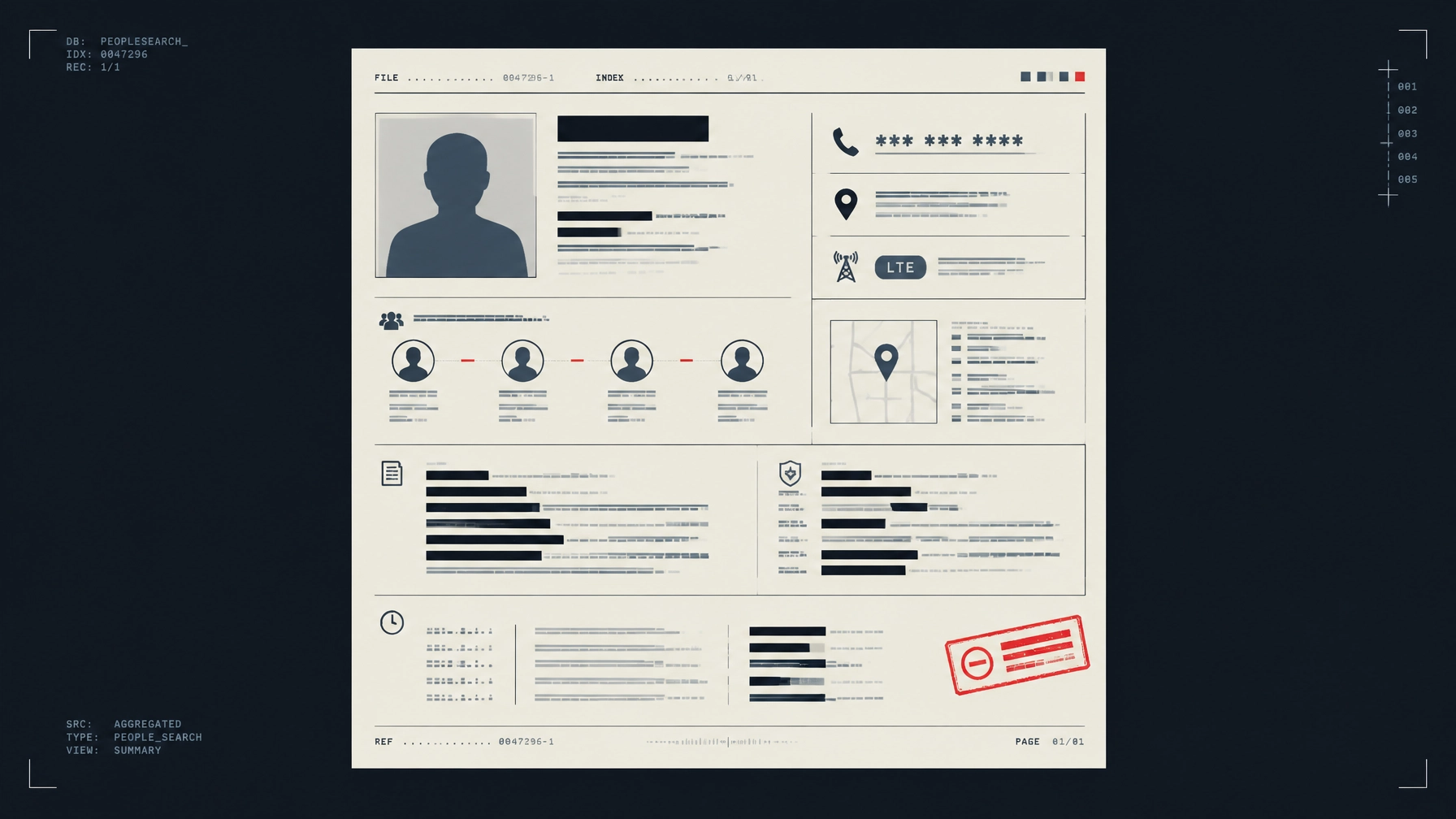
Removal is usually a separate process for each site. Look for the site’s official opt-out or privacy request page. You may need to submit the URL of your profile, confirm an email address, or complete another verification step. Follow the site’s instructions and provide only the information it requires to locate and process your request.
Keep a simple record: the site name, profile URL, date submitted, and any confirmation or reference number. Processing times vary. Revisit the page after the site’s stated processing period to check whether the listing is no longer public. If it remains, follow up using the site’s published process.
An opt-out applies to the listing and source involved in that request. It does not remove the number from every people-search site, undo copies already collected, or stop a broker from publishing new information later. Listings can reappear, so re-checking matters.
For step-by-step instructions on specific sites, see TraceKill’s guides to removing yourself from Whitepages, Spokeo, and BeenVerified.
Other ways to reduce unwanted calls
Online removal and call control address different problems. These steps may help reduce calls, but no single measure blocks every unwanted caller.
- Register with the National Do Not Call Registry. Registration is free at DoNotCall.gov. Legitimate covered telemarketers generally have up to 31 days to stop calling. The Registry does not block calls, and it does not stop scammers who ignore the law. Some calls, including certain political, charitable, informational, and survey calls, may still be allowed. Check the Registry FAQs for details.
- Use your phone’s and carrier’s call controls. Check for options that silence unknown callers, label suspected spam, or block specific numbers. Features vary by device and provider. Caller ID can be spoofed, so a familiar-looking number is not always reliable.
- Do not engage with suspicious robocalls. Hang up rather than pressing a key to speak with someone or be removed from a list. Responding may confirm that your number is active.
- Report unwanted calls. The FTC’s Do Not Call Registry site accepts reports about calls that violate its rules. You can also submit an unwanted-calls complaint to the FCC. Include useful details, such as when the call occurred and the number shown, while noting that caller ID may be spoofed.
These tools have different purposes: the Registry concerns covered sales calls, phone and carrier settings help manage incoming calls, and broker opt-outs address public profiles on specific sites.
Check your exposure, then choose your next step
If you want to check whether your number appears in a people-search profile, start with the source directly or use TraceKill’s free scan to look for likely matches in monitored broker sources. Enter your name and location, then review any results carefully. No account or card is required.
TraceKill’s paid options include a $9.99 removal guide and $8-per-month monitoring with monthly re-checks of monitored sources. Supported opt-out help is available where public verification is available. Coverage, results, and processing times vary by source, and complete removal cannot be guaranteed. A listing removed from one site may remain elsewhere or reappear later.
The practical goal is to reduce exposure where you can, keep track of requests, and use call-blocking tools for the calls themselves. Learn more about TraceKill.
Last verified: November 2026. Broker opt-out processes change often — confirm the current steps on the live page before relying on them.
Free scan — no account required
This is one site. There are hundreds more.
Run a free scan to see which monitored sources list you — no card, no account, results in real time as each broker reports back. Do the opt-outs yourself with our guides, or let us file them for you on a paid plan and re-check month after month. We'll never tell you we erased you from the internet.
No credit card · No account · AES-256 encrypted
Keep going
What Happens to Someone’s Personal Information After They Die?
After a death, families are already handling paperwork and practical decisions. Then a search of the person’s name may bring up social profiles, people-search listings, old addresses, or photos. These can remain online because accounts stay open, data brokers retain profile information, and public records generally remain available. Some of this information can be addressed.…
Selling Your Home? Your Old Address Could Remain Online Long After the Sale
You sold the house, moved, and months later a search of your name still shows the old street. That can happen because a sale creates public records, and other websites may copy or combine information from them. You can take steps to address some of those online copies. The right step depends on where the…
A Data Broker Rejected Your Removal Request. Here’s What to Do
You submitted an opt-out request, received a rejection, or heard nothing back. The listing is still there. That does not always mean you are out of options. Most rejected opt-out requests fall into four categories. The first three are often fixable with a careful follow-up. The fourth may not be: a site might have a…