Your Information Is Online. What About Your Family’s?
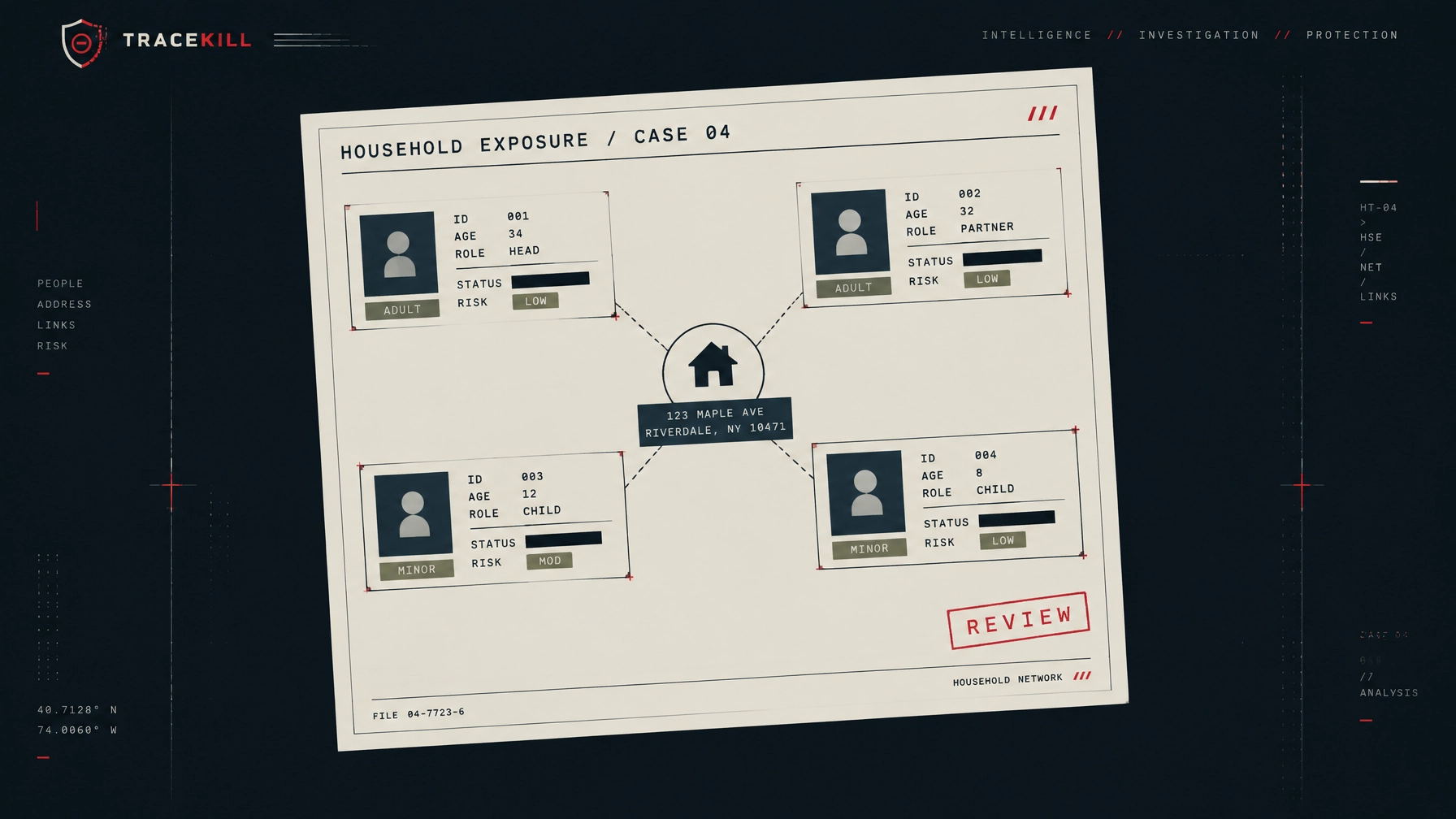
You may already be checking where your own name and address appear online. But people-search profiles can also connect you to relatives, partners, and other people who share or have shared your address. Protecting your family’s personal information means checking those connections, too.
You can start with practical steps: search for each adult family member, review what a profile reveals, and submit opt-out requests to sites that display personal details. For children, focus on limiting what you share and checking whether their information appears in listings through household or relative links.
There is no single request that removes a family’s information everywhere. Data brokers operate separately, their coverage varies, and listings may return. The goal is to reduce exposure and check again over time.
How family information gets linked
People-search and data-broker sites compile information from sources such as public records and other available data. A profile may show a person’s name, current or past addresses, phone number, and possible relatives or associates. The details vary by site.
When profiles include relatives or shared addresses, someone looking up one household member may find links to another. That does not mean every family member has a separate profile on every site. It does mean that checking only your own name can leave related listings undiscovered.
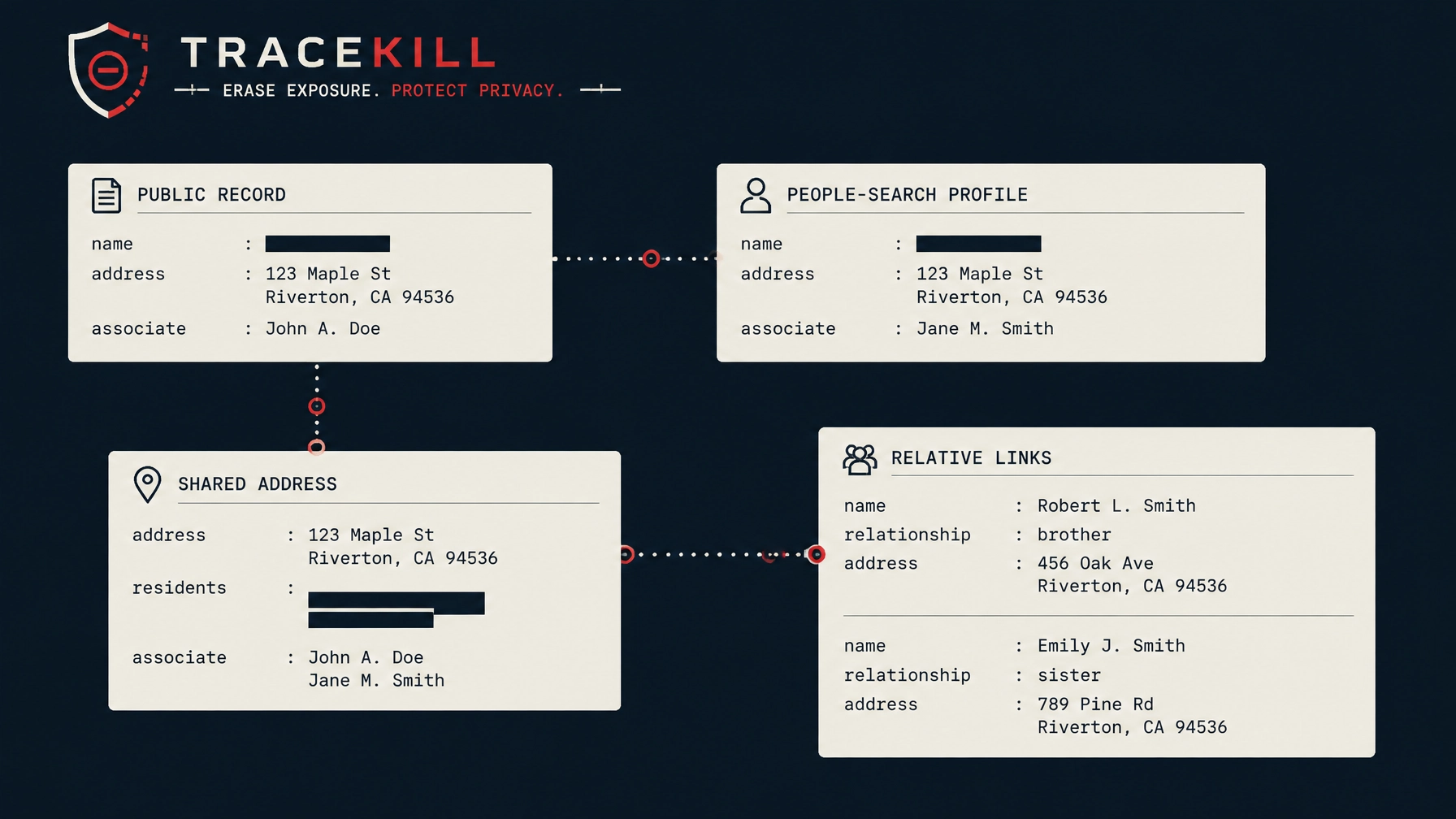
A family’s online footprint can build in ordinary ways. An adult’s people-search listing may mention their children or parents. Children’s names and details may appear in public posts, event listings, or other records as they grow. Older relatives may have decades of addresses and phone numbers associated with their names.
That information can also make an unsolicited message or call sound more convincing. A caller who knows a relative’s name or an old address may seem familiar, even when they are not. Public details do not prove a scam is underway, but they can give someone material to use in a misleading approach.
For an overview of how personal information can spread across online services, see the Electronic Frontier Foundation’s guide to managing your digital footprint.
Why household privacy needs more than one search
A household is not a single data-broker record. Each person may have different listings, different addresses, and different opt-out steps. Removing one profile may not change a relative’s profile or records held by another broker.
A shared or former address is one important reason to check more broadly. A listing connected to that address may identify household members or show a relationship between profiles. Former addresses matter, too: moving does not necessarily remove an old location from existing records.
Children need a different approach from adults. They may be mentioned in a parent’s or relative’s profile, while their own information can accumulate through public posts and online accounts over time. Avoid sharing a child’s full name alongside details such as their school, regular schedule, home address, or real-time location. Ask relatives to follow the same practice when posting photos or updates.
For older relatives, privacy is also a matter of careful communication. Agree on a simple way to confirm unexpected requests for money or sensitive information, such as calling back on a number already saved in your contacts. Do not rely on a caller knowing family names or addresses as proof of identity.
A practical family privacy check
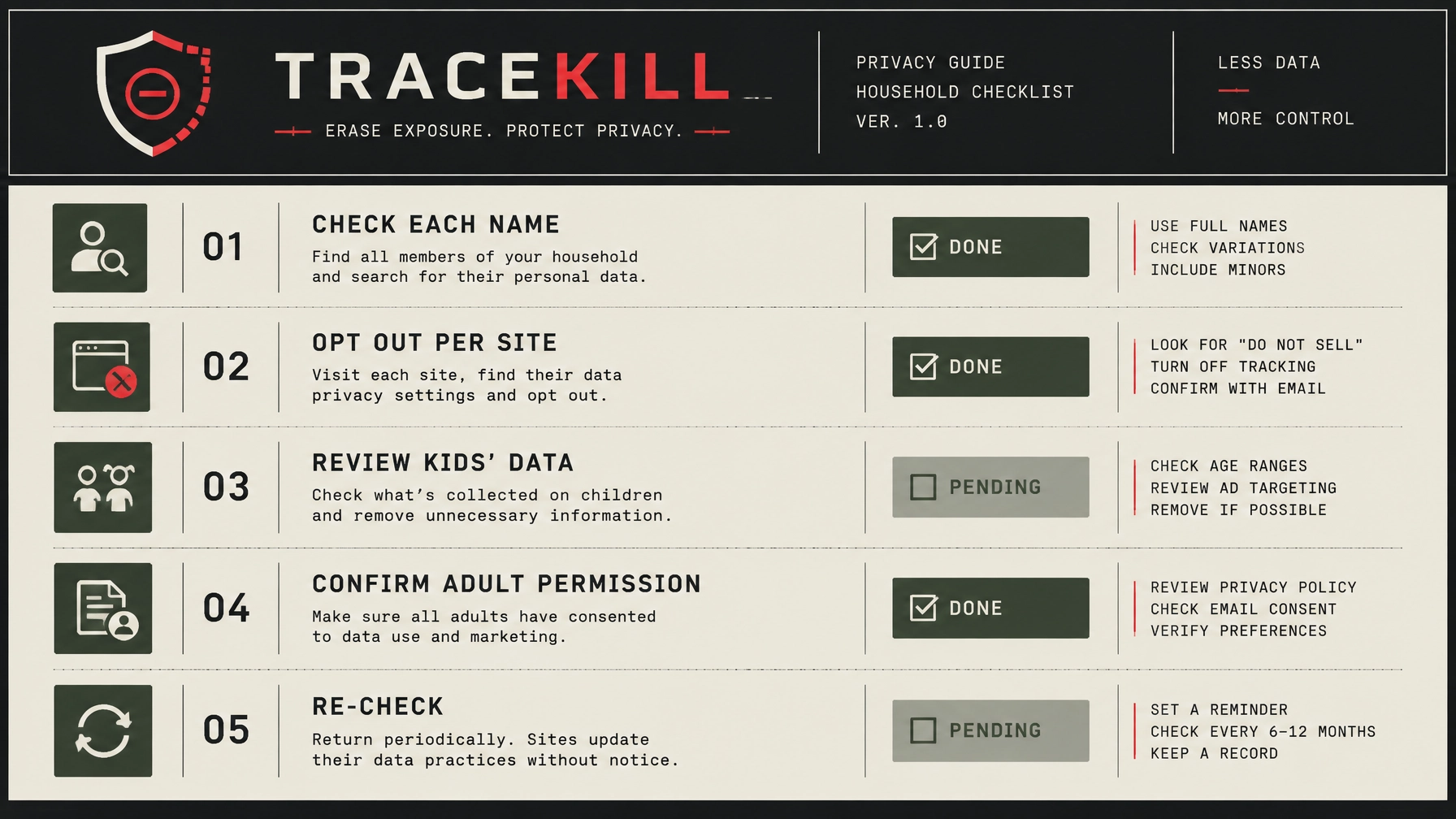
Start with a manageable list. You do not have to search every person and every broker in one sitting.
- Choose who to check. Begin with adults in your household, then consider parents or adult children who share or have shared an address. Get an adult’s permission before checking or submitting requests on their behalf.
- Search for likely listings. Look up each person’s name with a city or state. Check for matching profiles, old addresses, phone numbers, and listed relatives. A name alone may match someone else, so confirm details before acting.
- Save the profile links. Keep a private list of the pages you want to address. It helps you track which sites you have checked and where a request has been submitted.
- Submit requests site by site. Each broker has its own process. Follow its current instructions, complete any required verification, and retain confirmation details. A request to one site does not automatically cover other sites.
- Review what your family shares. Check social media privacy settings, location sharing, public directories, and posts that reveal routines or identifying details. Remove or limit information you do not want broadly visible.
- Re-check periodically. Listings can return or appear on other sources after you opt out. Set a reminder to revisit the profiles you tracked, especially after a move or a change in household circumstances.
For site-specific instructions, see TraceKill’s guides to removing a listing from Whitepages, opting out of Spokeo, and removing a BeenVerified profile. These steps apply to the named sites only; other brokers have their own processes.
When family data-broker removal may help
Doing opt-outs yourself can work if you have time to search for each person’s profiles, follow each site’s process, and check again later. The work is separate for each person and site, and the steps can change.
A service may be useful if you want help checking monitored sources and handling supported opt-out requests for more than one person. TraceKill’s family plans cover multiple people under one subscription. They include individual scan results, a per-person exposure dashboard, opt-out filing support, and monthly re-checks on Continuous coverage. Coverage, results, and processing times vary by source.
TraceKill’s free scan checks monitored broker sources for likely public matches using a name and location. It does not require an account or payment card. You can start with the free scan, then review whether a family plan fits your household’s needs.
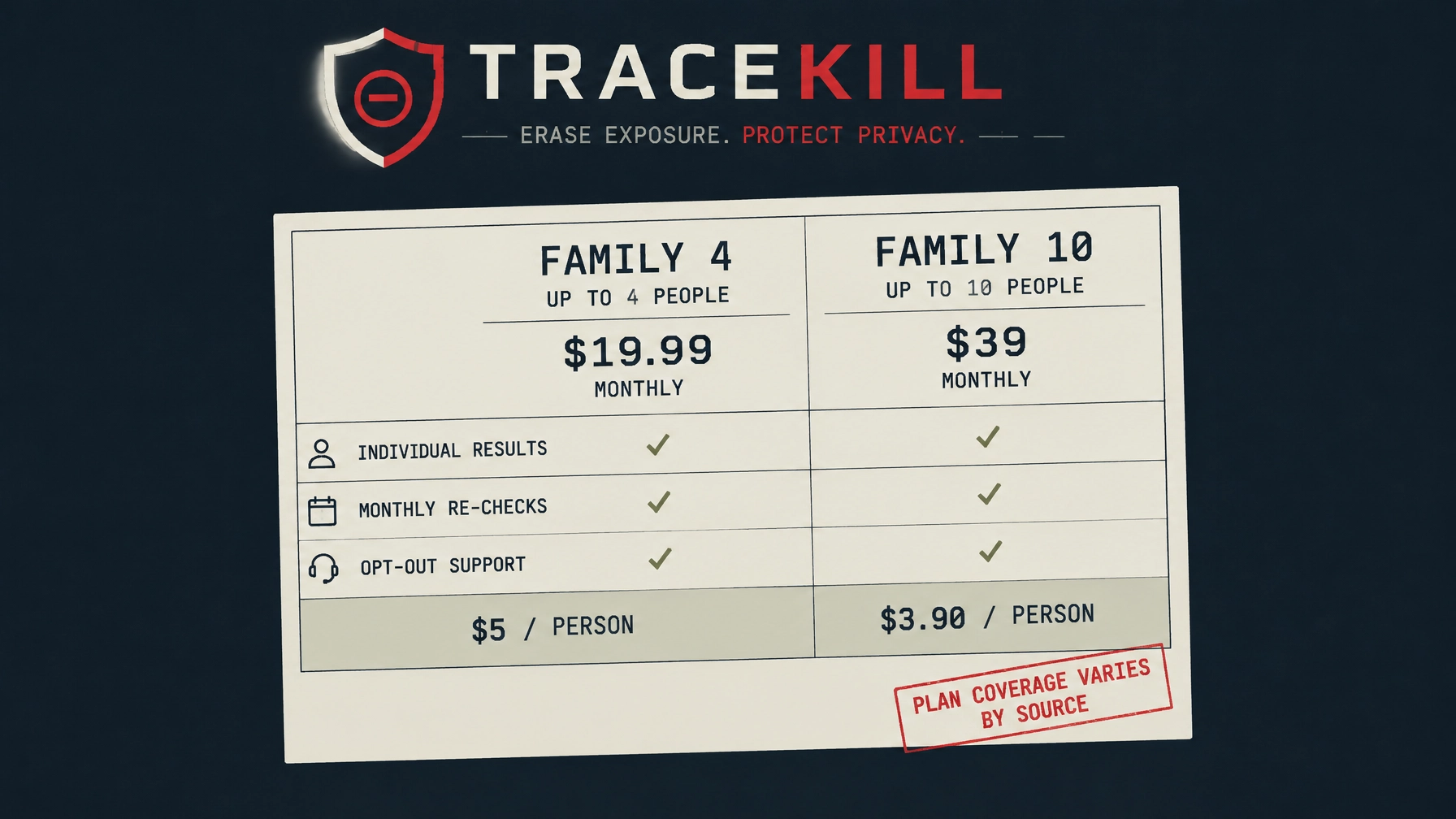
The listed monthly family options are:
- Family 4: $19.99 per month for up to four protected people. That works out to $5 per person per month when all four spots are used.
- Family 10: $39 per month for up to ten protected people. That works out to $3.90 per person per month when all ten spots are used.
The per-person amount depends on using the plan’s full capacity. These plans do not make every broker support an opt-out, and they cannot guarantee that all information will be removed. Review the current TraceKill pricing and plan details before choosing.
Reduce exposure, then check again
Family online privacy is a set of small, repeatable tasks. Check each person’s likely listings. Submit opt-outs where available. Limit new public details, especially information that could identify a child’s routines or location. Re-check because profiles may return.
No service can erase a family from the internet or control every public record and website. TraceKill checks monitored data-broker and people-search sources and files supported opt-out requests. It tracks requests and re-checks where public verification is available. Results and processing times vary by source, and a removed listing may reappear.
If you want to see what monitored sources may show for a household member, run a free scan. If you want scan, monitoring, and opt-out support for several people, compare Family 4 and Family 10 and choose based on the number of people you want covered.
Last verified: November 2026. Broker opt-out processes change often — confirm the current steps on the live page before relying on them.
Free scan — no account required
This is one site. There are hundreds more.
Run a free scan to see which monitored sources list you — no card, no account, results in real time as each broker reports back. Do the opt-outs yourself with our guides, or let us file them for you on a paid plan and re-check month after month. We'll never tell you we erased you from the internet.
No credit card · No account · AES-256 encrypted
Keep going
What Happens to Someone’s Personal Information After They Die?
After a death, families are already handling paperwork and practical decisions. Then a search of the person’s name may bring up social profiles, people-search listings, old addresses, or photos. These can remain online because accounts stay open, data brokers retain profile information, and public records generally remain available. Some of this information can be addressed.…
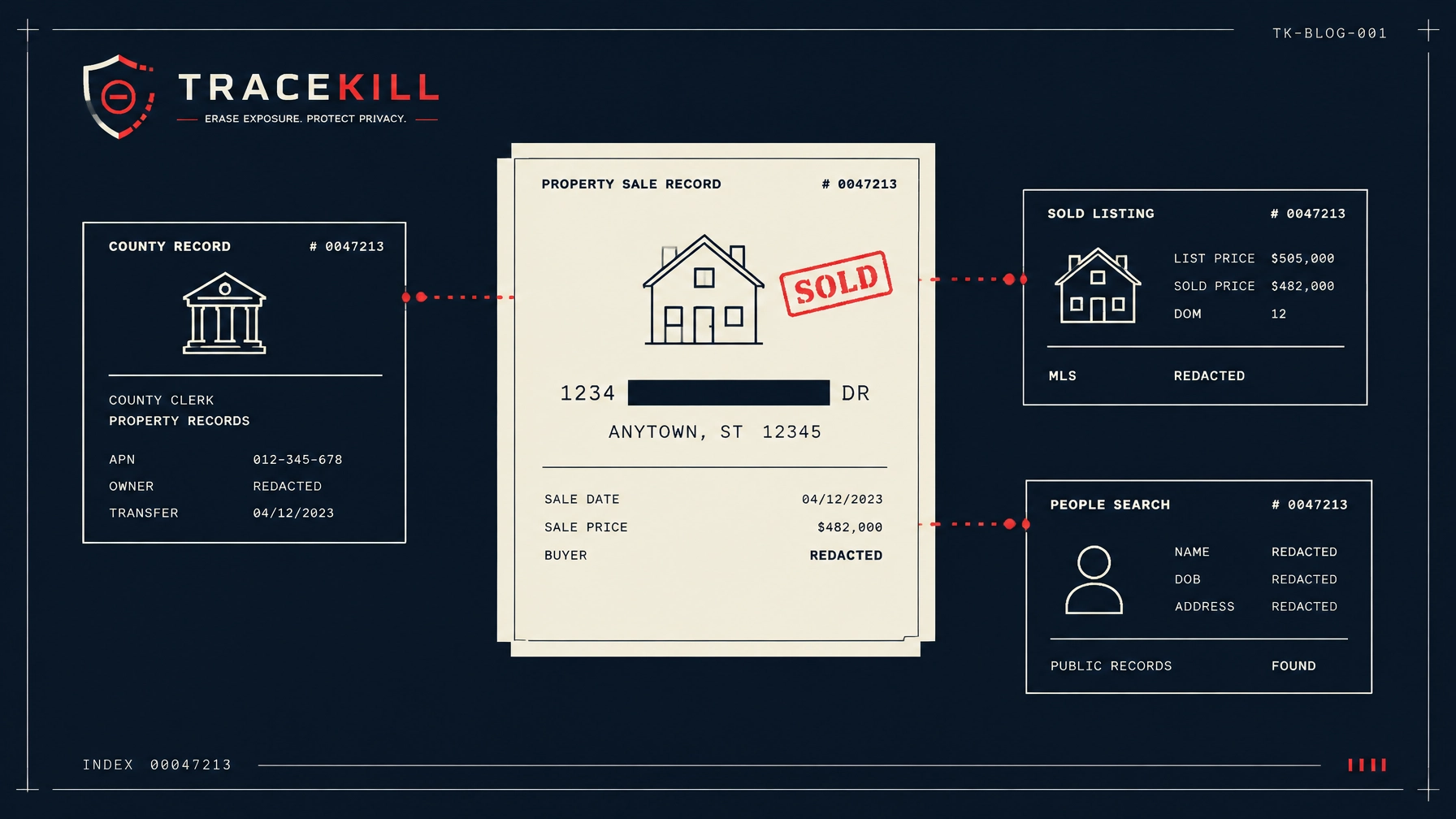
Selling Your Home? Your Old Address Could Remain Online Long After the Sale
You sold the house, moved, and months later a search of your name still shows the old street. That can happen because a sale creates public records, and other websites may copy or combine information from them. You can take steps to address some of those online copies. The right step depends on where the…
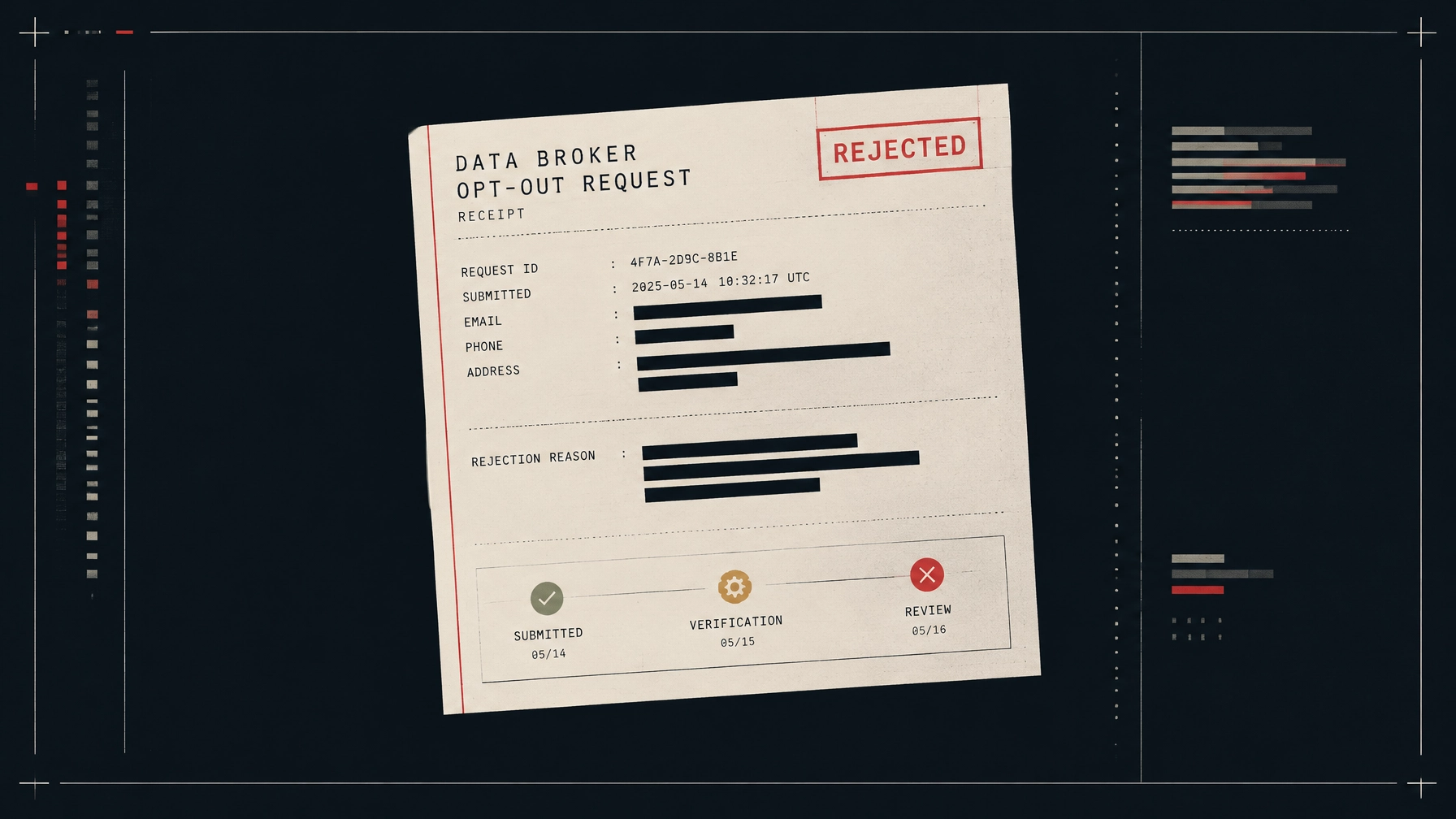
A Data Broker Rejected Your Removal Request. Here’s What to Do
You submitted an opt-out request, received a rejection, or heard nothing back. The listing is still there. That does not always mean you are out of options. Most rejected opt-out requests fall into four categories. The first three are often fixable with a careful follow-up. The fourth may not be: a site might have a…