A Data Broker Rejected Your Removal Request. Here’s What to Do
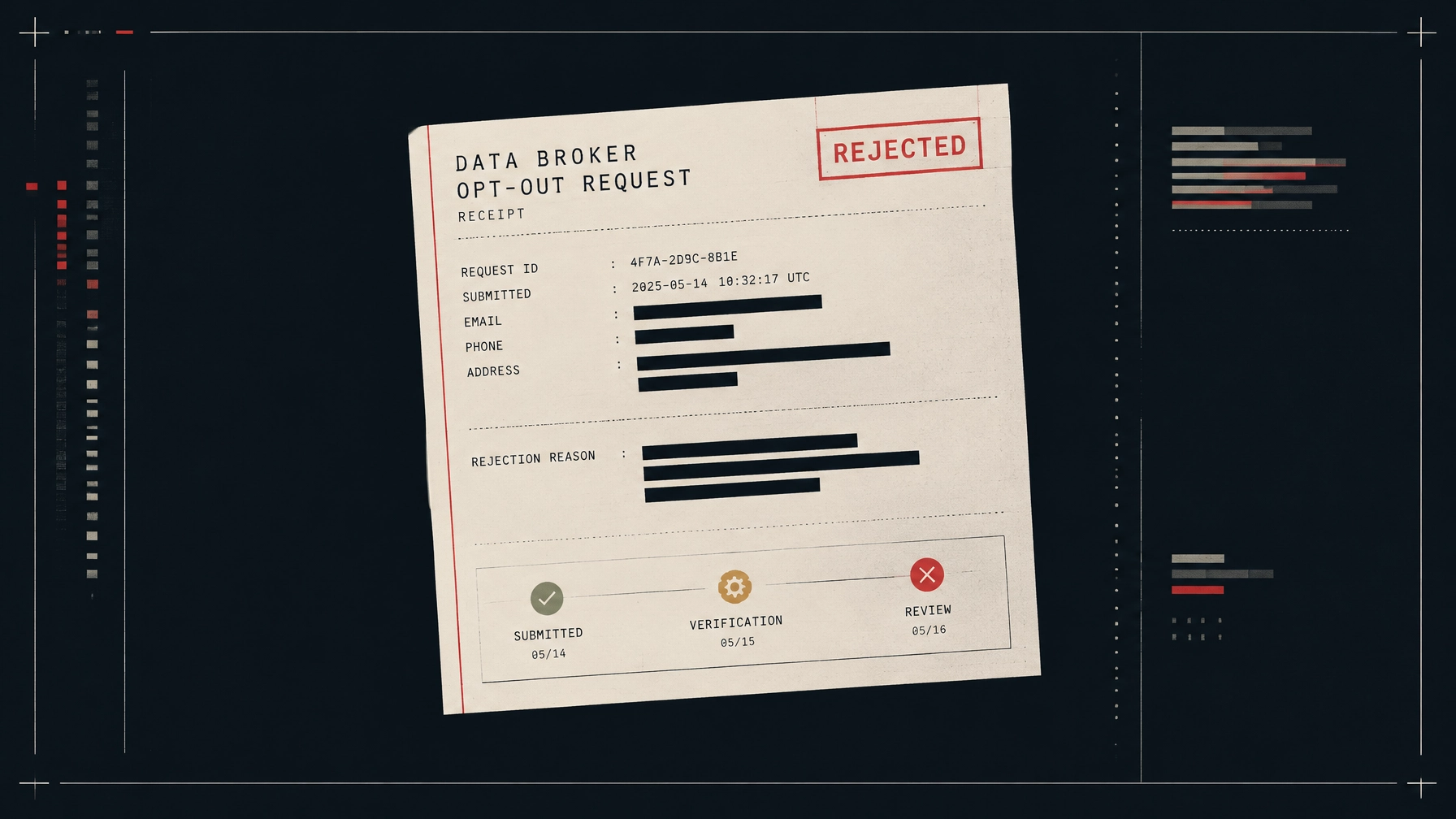
You submitted an opt-out request, received a rejection, or heard nothing back. The listing is still there. That does not always mean you are out of options.
Most rejected opt-out requests fall into four categories. The first three are often fixable with a careful follow-up. The fourth may not be: a site might have a valid reason to limit what it removes, or its opt-out may be voluntary rather than required by law.
Start by checking the listing, the reason for the rejection, and the confirmation you received. Then choose the next step based on what happened.
First, confirm the listing is yours
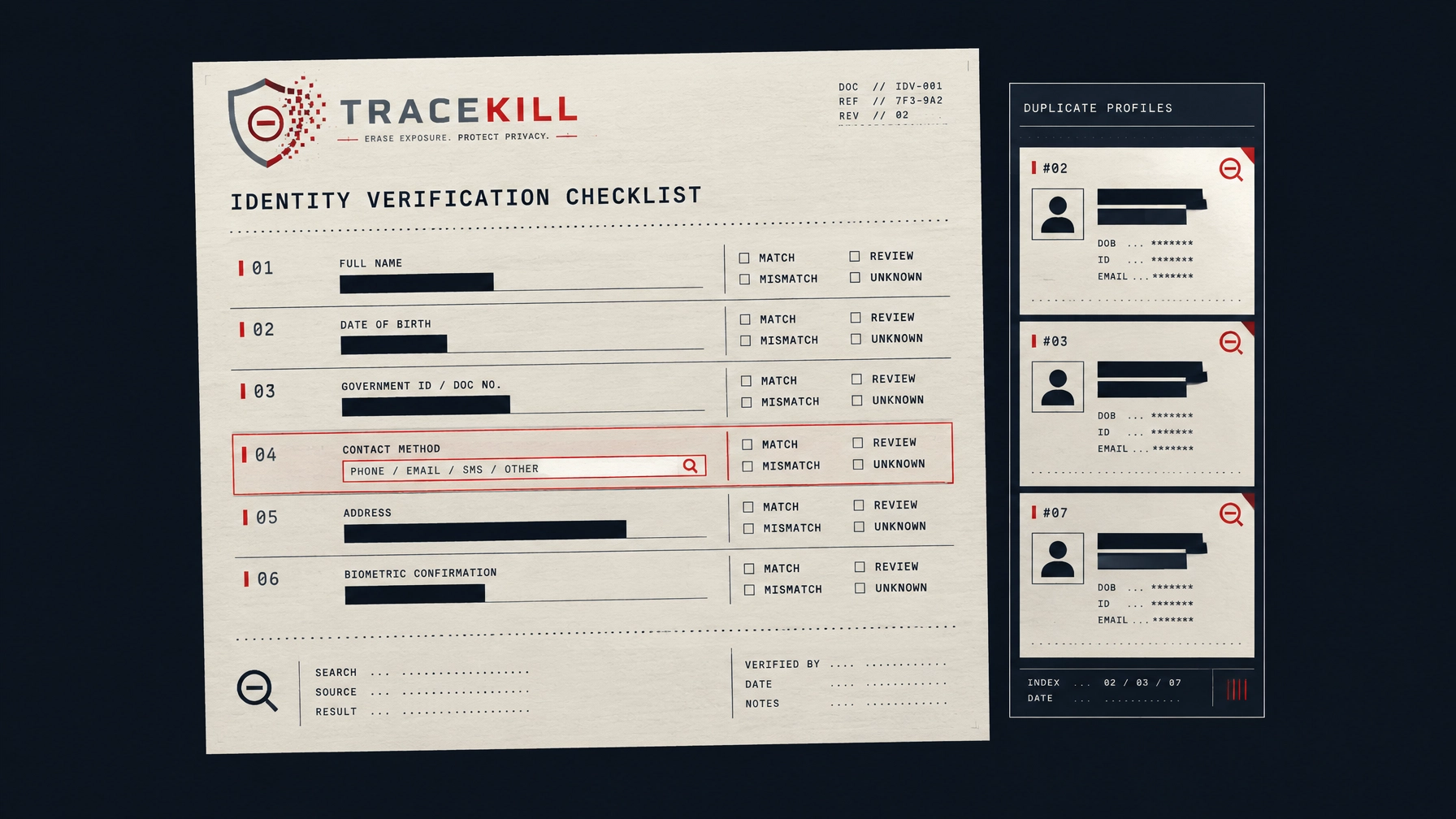
A broker may reject or drop a request if the details do not match the profile. Before resubmitting, compare the listing’s name, location, age range, relatives, and other visible details with what you know. A name by itself may not be enough to identify the right person.
Check for duplicate profiles, too. If the same site has more than one profile that appears to be yours, each listing may need its own request. Removing one profile does not necessarily affect another.
Save the exact profile URL and take a dated screenshot. This gives you a clear record of which listing you asked the site to remove.
Reason 1: Verification failed
A failed verification message usually means the site could not confirm that you control the profile or contact method connected to it. Verification rules vary by site, but common snags include:
- Using an email address or phone number you cannot access, or one that does not match the record.
- Using a shared family email that could relate to more than one person.
- Using a masked or internet-based phone number that the site does not accept.
- Clicking an expired verification link.
- A browser blocker or VPN interrupting the verification flow.
Try the request again using an email address or phone number you control. Check your spam folder, and ask the site to send a fresh link if the first one expired. If the flow still fails, retry in a standard browser session with blockers temporarily turned off. If the site offers verification by mail or phone, you can try that route instead.
Only provide the information the site needs for verification. Do not send extra sensitive documents unless the site explains why they are necessary.
Reason 2: The request went through, but the page still shows
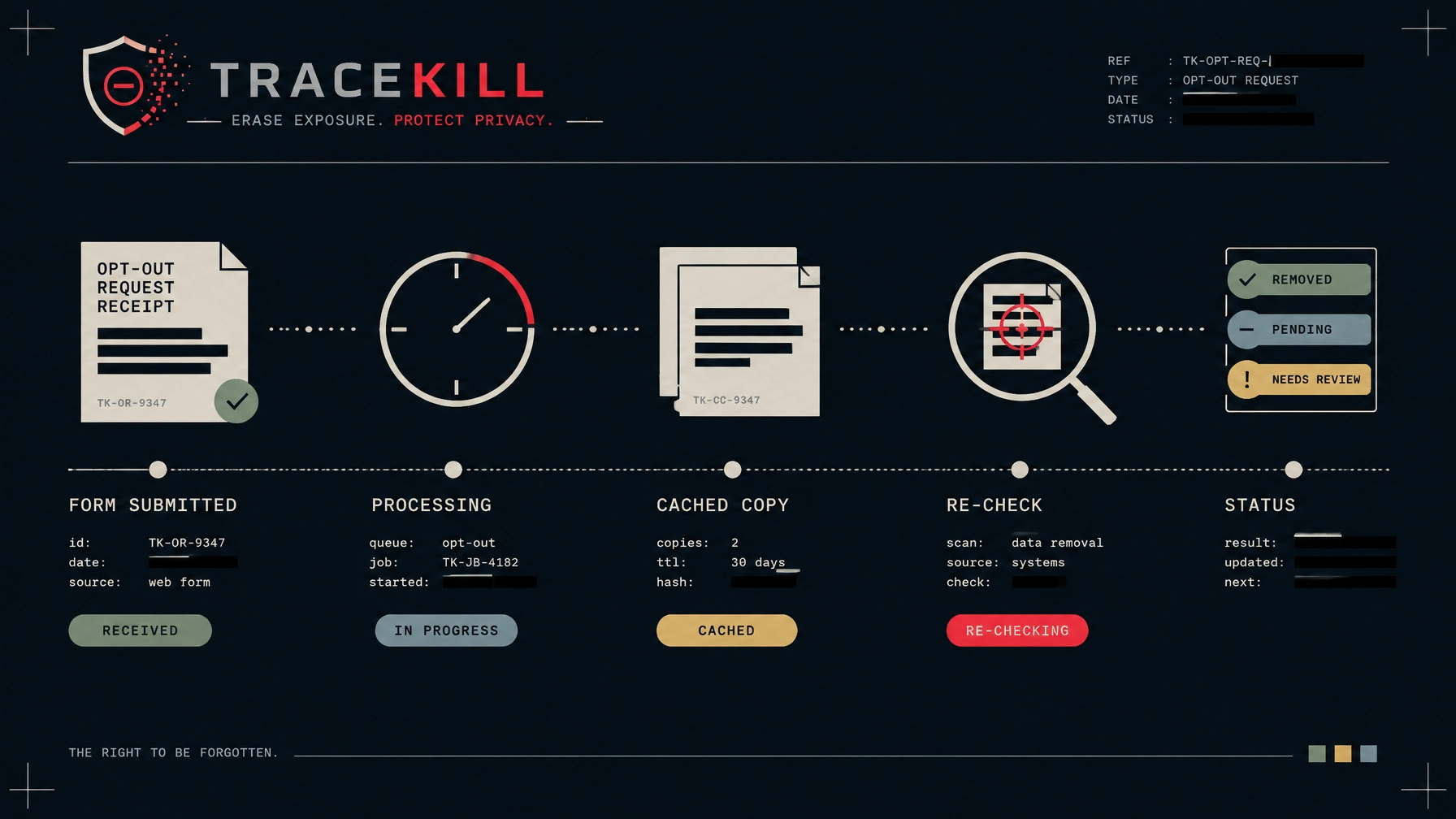
A listing that is still visible after an opt-out does not automatically mean the request failed. A site may need time to process it. Search engines or third-party pages may also display a cached or copied version after the original page changes.
In some cases, a site may suppress the listing from other searchers while still showing it to you. That can make a re-check from your usual browser misleading.
What to do:
- Check the site’s stated processing window and wait for it to pass.
- Test the profile in a private browser window or on another device.
- Keep the confirmation email, reference number, or screenshot of your request.
- Recheck the profile after the stated window.
If the site gives no clear timeframe, ask for an update and include your request date and confirmation number. Avoid submitting the same request repeatedly without checking whether the first one was received.
Reason 3: Sister sites or copied profiles
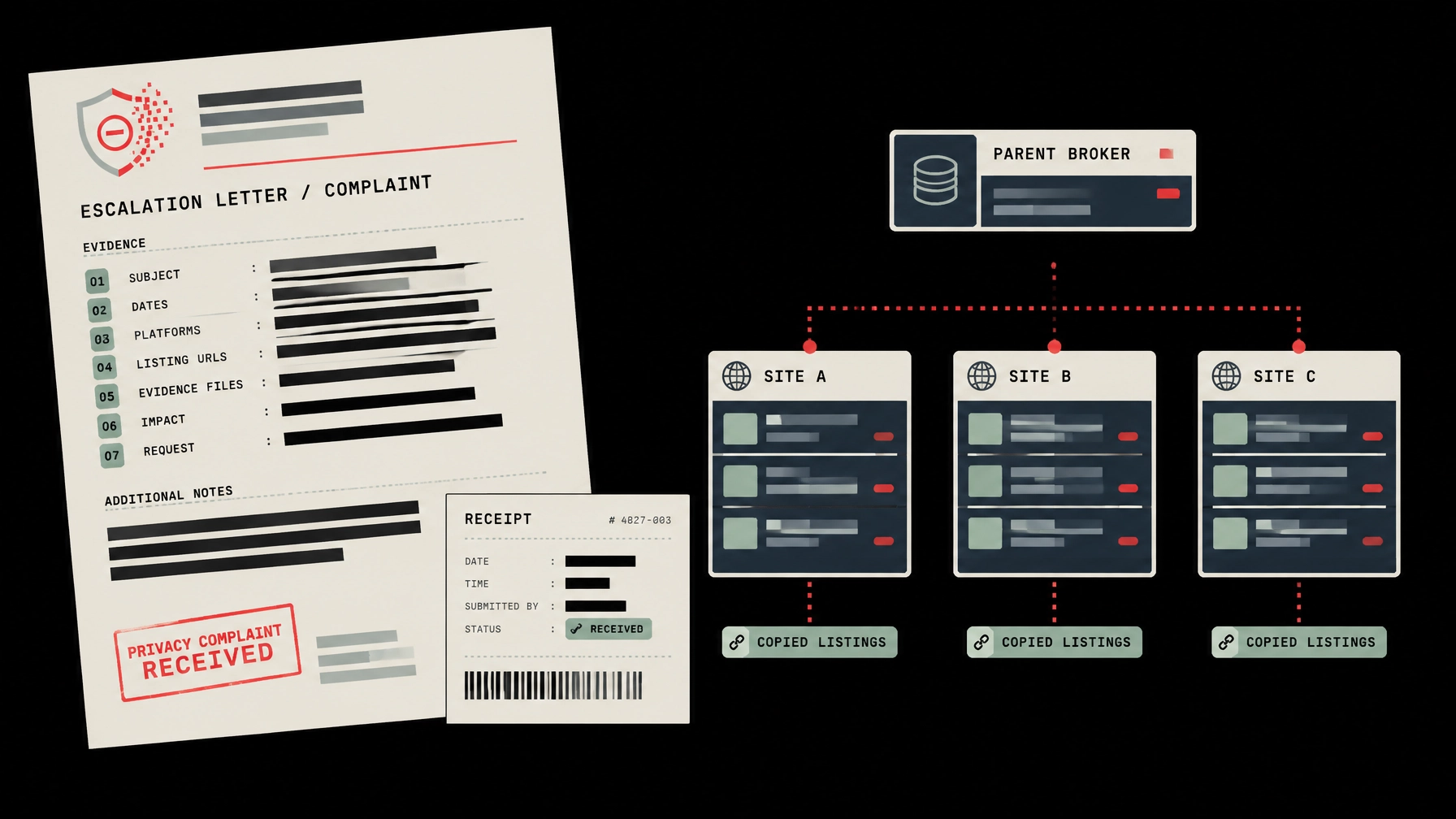
One company may operate several related websites. Other brokers may also republish information from the same or similar sources. An opt-out from one site does not necessarily cover its sister sites or unrelated copies.
Review the site’s privacy or opt-out page for a list of related brands. Submit a separate request where the site’s instructions require it. Then check other relevant sources rather than assuming that one successful request covered the whole network.
Reason 4: The site says it can keep the information
Sometimes a site limits or denies a request because of the type or source of the information. For example, the information may have been given directly to that business, may come from publicly available records, or may be covered by another legal regime. Whether a particular reason applies depends on the facts and the rules governing that business.
There is also an important difference between exercising a legal privacy right and using a people-search site’s own opt-out form. Outside a regulated privacy right, many people-search opt-outs are voluntary processes that the site offers on its own terms. The law does not require every site to provide the same opt-out process.
If the site explains a limit, ask which information or request it applies to. If the site is not covered by a privacy law that gives you a relevant right, there may be no legal complaint route for that opt-out. That is a limit of the process, not a personal failure.
When and how to escalate
If you are in California
The California Privacy Protection Agency, also called CalPrivacy, says businesses subject to the California Consumer Privacy Act (CCPA) must honor privacy choices once a request is submitted. A business may need to verify your identity to complete it.
CalPrivacy says businesses should respond within 45 days. A business may contact you if it needs more time. CalPrivacy also says a business must tell service providers or third parties it shared your information with about the request so they can follow it. You may still need to submit a separate request to each business.
Read CalPrivacy’s instructions for submitting a privacy request to check whether the request you made fits a California privacy right. If the business asked for more information than it really needs to verify your identity, or you believe it ignored your request or did not follow the law, you can file a complaint with CalPrivacy. The agency says it does not represent individual consumers or act as their attorney.
California residents can also review the California data broker registry and the state’s Delete Request and Opt-out Platform (DROP), which provides a way to submit a request to registered data brokers.
If you live in another state
Privacy laws and complaint processes vary by state. Check your state’s privacy law and attorney general complaint route before treating a site’s rejection as a legal violation. You can also ask the broker to explain its reason in writing.
This article is general information, not legal advice.
Write a clear follow-up
Keep your message specific and factual. Include:
- The profile URL.
- The date you submitted your request.
- Your confirmation or ticket number.
- What you asked the site to do.
- What happened, including the exact rejection message if available.
- What you want the site to do next.
Ask for the specific reason for the denial and whether the site can rerun the request. Provide only the information needed to locate the listing or verify the request.
Example:
I submitted an opt-out request for this profile on [date]: [profile URL]. My confirmation number is [number]. The request was denied / the listing is still visible after the stated processing window. Please explain the specific reason it was not completed and let me know whether you can rerun the request. I can provide the information needed to verify this profile.
Keep a copy of your message and any reply. If you later contact a regulator, a concise record makes it easier to describe what happened.
Check other sources, too
A rejected request from one site does not tell you whether other monitored sources may have a profile for you. TraceKill’s free scan uses your name and location to check for likely matches on monitored sources. It requires no account or payment card. Results vary by source, and a scan is not a complete inventory of every place your information may appear.
If you want help with next steps, TraceKill offers a $9.99 removal guide and an $8/month plan with help for supported opt-out requests and monthly re-checks where public verification is available. Coverage and processing vary by source. Listings can reappear, and TraceKill cannot force a broker to act.
You can start a free scan to see which other monitored sources may have your information, or visit TraceKill to learn more. For more practical guides, see the TraceKill blog.
Last verified: November 2026. Broker opt-out processes change often — confirm the current steps on the live page before relying on them.
Free scan — no account required
This is one site. There are hundreds more.
Run a free scan to see which monitored sources list you — no card, no account, results in real time as each broker reports back. Do the opt-outs yourself with our guides, or let us file them for you on a paid plan and re-check month after month. We'll never tell you we erased you from the internet.
No credit card · No account · AES-256 encrypted
Keep going
What Happens to Someone’s Personal Information After They Die?
After a death, families are already handling paperwork and practical decisions. Then a search of the person’s name may bring up social profiles, people-search listings, old addresses, or photos. These can remain online because accounts stay open, data brokers retain profile information, and public records generally remain available. Some of this information can be addressed.…
Selling Your Home? Your Old Address Could Remain Online Long After the Sale
You sold the house, moved, and months later a search of your name still shows the old street. That can happen because a sale creates public records, and other websites may copy or combine information from them. You can take steps to address some of those online copies. The right step depends on where the…
Your Data Is Being Used to Make Predictions About You. Here’s What That Means
A company you have never heard of may hold a guess about your income, your health, or whether you are about to move. That guess is an example of profiling: drawing conclusions from data rather than simply storing it. The guess may come from bits of information collected across different places. It may be incomplete…