How to Remove Personal Information From Google in 5 Simple Steps
If your home address, phone number, or other personal information appears in Google Search, you can ask Google to remove eligible results. That does not remove the information from the website hosting it, and nobody can literally erase all traces of themselves from the internet. The practical goal is to remove specific search results where Google’s policies allow and, where possible, get the original page changed or taken down.
Here are five steps to get started. Google’s tools and eligibility rules can change, and approval is not guaranteed.
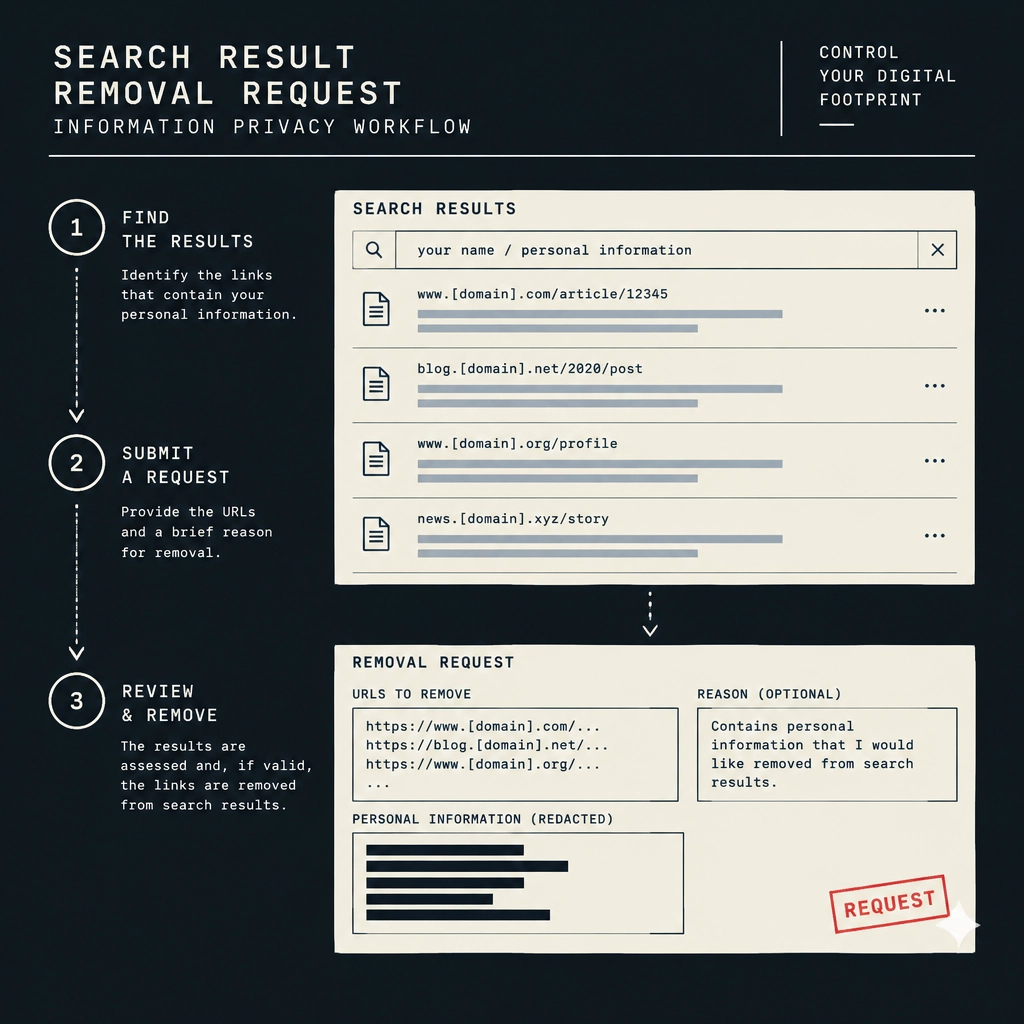
1. Find the exact results
Search your name in Google. Try variations that may help distinguish you from people with similar names, such as your city, state, or a phone number. Review both the results and the snippets: the short descriptions shown beneath them.
For every result you want reviewed, save the full page URL. Note what personal information appears and whether it is on the page itself or only in an outdated search snippet. Avoid collecting or sharing more personal data than you need to make the request.
If a result points to a people-search or data-broker profile, note the site name too. Google Search and the site hosting the profile are separate places to address.
2. Choose the right removal route
The right process depends on what the result shows and whether the original page is still online.
- Your phone number, home address, or email: Start with Google’s “Results about you” tool. It lets you find and request removal of eligible personal contact information from Search results. Google says the feature may not be available to everyone.
- A threat or doxxing: Use Google’s personal content removal form. Google reviews cases against its policies, including whether personal information is published with threats, calls for harm or harassment, or a significant aggregation without a legitimate purpose.
- Information you control: Remove or edit it on the original site or account first. Google generally cannot change a page you control on your behalf.
- A page that has already changed or disappeared: If Google still shows outdated information, use the Refresh Outdated Content tool.
Check Google’s current guidance on finding and removing personal information before submitting. Some requests may be declined, including when Google determines that a result is valuable to the public.
3. Submit a request for eligible personal information
In the “Results about you” tool, follow the prompts to enter the personal details you want Google to look for. Review the matches carefully. If a result is yours and qualifies, open it and choose the option to request removal. Provide information as it appears on the page so Google can review the correct result.
If the tool is unavailable or the result involves threats or doxxing, use the relevant Google removal form. Include the exact URL and explain which information appears and where. Follow the form’s instructions for any supporting details. Avoid sending extra sensitive information that the form does not request.
Keep the request confirmation and check its status. Google may remove a result fully or limit when it appears. A request is reviewed under Google’s policies; submitting one does not guarantee approval.
4. Contact the website hosting the information
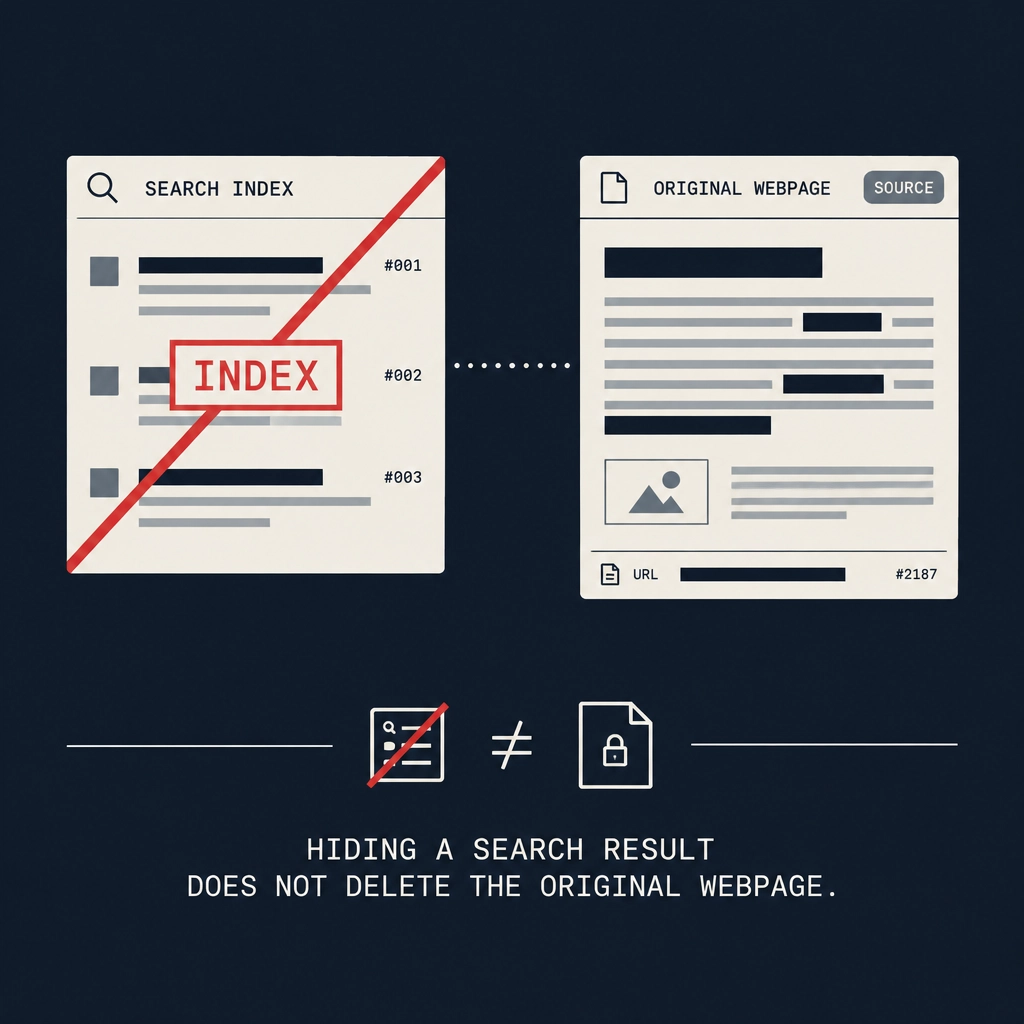
Removing a result from Google Search is not the same as removing the page itself. The original information may still be accessible through the site’s URL, another search engine, or a direct link.
Look for the site’s privacy, removal, or opt-out process. Send the site the relevant page URL and ask it to remove or correct the information. If the page is on an account or website you manage, edit or delete it there. Keep a copy of your request and any confirmation.
This step matters if you want the information taken off the source page, not just made harder to find through Google. The site may have its own eligibility rules and processing times.
5. Refresh outdated results and check again
After the source page is removed or materially changed, Google may continue to show old information for a while. Submit the URL to Google’s Refresh Outdated Content tool. This tool is for pages or content that have already changed; it is not a substitute for asking the site to remove information that is still live.
Revisit the result after Google processes the request. If the information remains on the original page, follow up with the site. If the page is gone but an old snippet remains, check the refresh request. Keep a simple record of the URL, the date you contacted the site, and the status of each request.
What removal can, and can’t, do
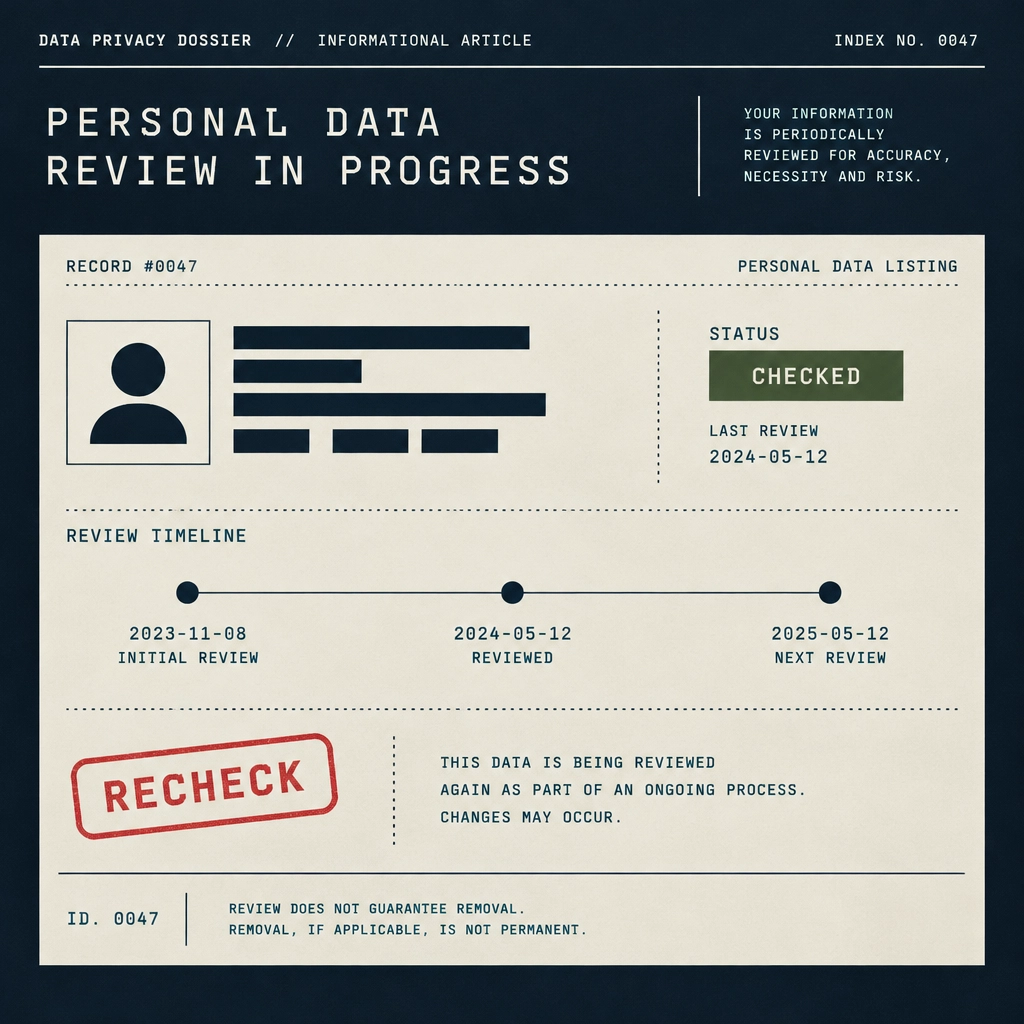
A successful Google request can reduce the visibility of an eligible result in Google Search. It does not necessarily remove the source page, stop other people from sharing it, or remove similar information from other websites. Search results can also change as pages are updated and re-indexed.
For that reason, treat removal as a process rather than a one-time fix: find the result, request review, address the original source, and check again. If you find a listing on a data-broker or people-search site, you may need to use that site’s opt-out process separately.
TraceKill checks monitored data-broker and people-search sources for likely public profile matches. Its free scan uses your name and location, with no account or payment card required. Paid plans offer help with supported opt-out requests and re-checks where public verification is available. Coverage, results, and processing times vary by source. TraceKill does not submit Google Search removal requests on your behalf.
For more context, see our guide on what you can remove from the internet and our site-by-site opt-out guides.
Next step: Search for the exact result, save its URL, and use the Google removal route that matches the information shown. Then contact the original site where removal is available.
Last verified: November 2026. Broker opt-out processes change often — confirm the current steps on the live page before relying on them.
Free scan — no account required
This is one site. There are hundreds more.
Run a free scan to see which monitored sources list you — no card, no account, results in real time as each broker reports back. Do the opt-outs yourself with our guides, or let us file them for you on a paid plan and re-check month after month. We'll never tell you we erased you from the internet.
No credit card · No account · AES-256 encrypted
Keep going
What Happens to Someone’s Personal Information After They Die?
After a death, families are already handling paperwork and practical decisions. Then a search of the person’s name may bring up social profiles, people-search listings, old addresses, or photos. These can remain online because accounts stay open, data brokers retain profile information, and public records generally remain available. Some of this information can be addressed.…
Selling Your Home? Your Old Address Could Remain Online Long After the Sale
You sold the house, moved, and months later a search of your name still shows the old street. That can happen because a sale creates public records, and other websites may copy or combine information from them. You can take steps to address some of those online copies. The right step depends on where the…
A Data Broker Rejected Your Removal Request. Here’s What to Do
You submitted an opt-out request, received a rejection, or heard nothing back. The listing is still there. That does not always mean you are out of options. Most rejected opt-out requests fall into four categories. The first three are often fixable with a careful follow-up. The fourth may not be: a site might have a…