Could Your Job Make You Easier to Target? What Data Brokers Reveal About Professionals
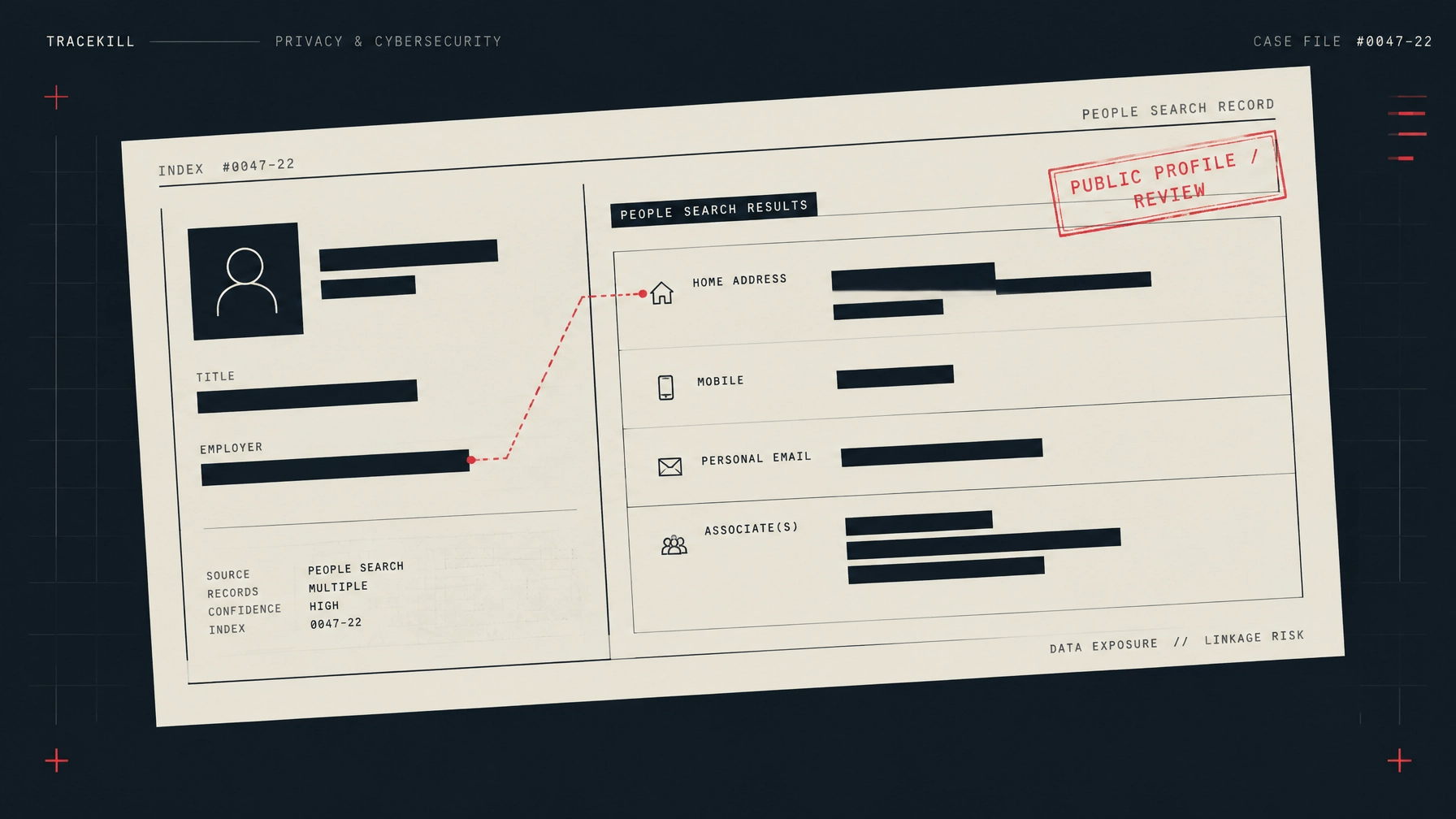
A stranger may be able to start with your name, find your job title and employer, then connect that information to a home address or personal phone number. The details may be scattered across professional profiles, public records and people-search sites. Data brokers can bring some of them together.
That does not mean every professional is at equal risk, or that every listing will be used against you. But the overlap between professional personal information online and workplace security is worth understanding. You can check what may be exposed and take practical steps to reduce it.
What a job can reveal
Your job title and employer are often public by design. They may appear on LinkedIn, a company website, conference biographies, professional directories or old press releases. Those sources can help someone understand your role, colleagues and work history.
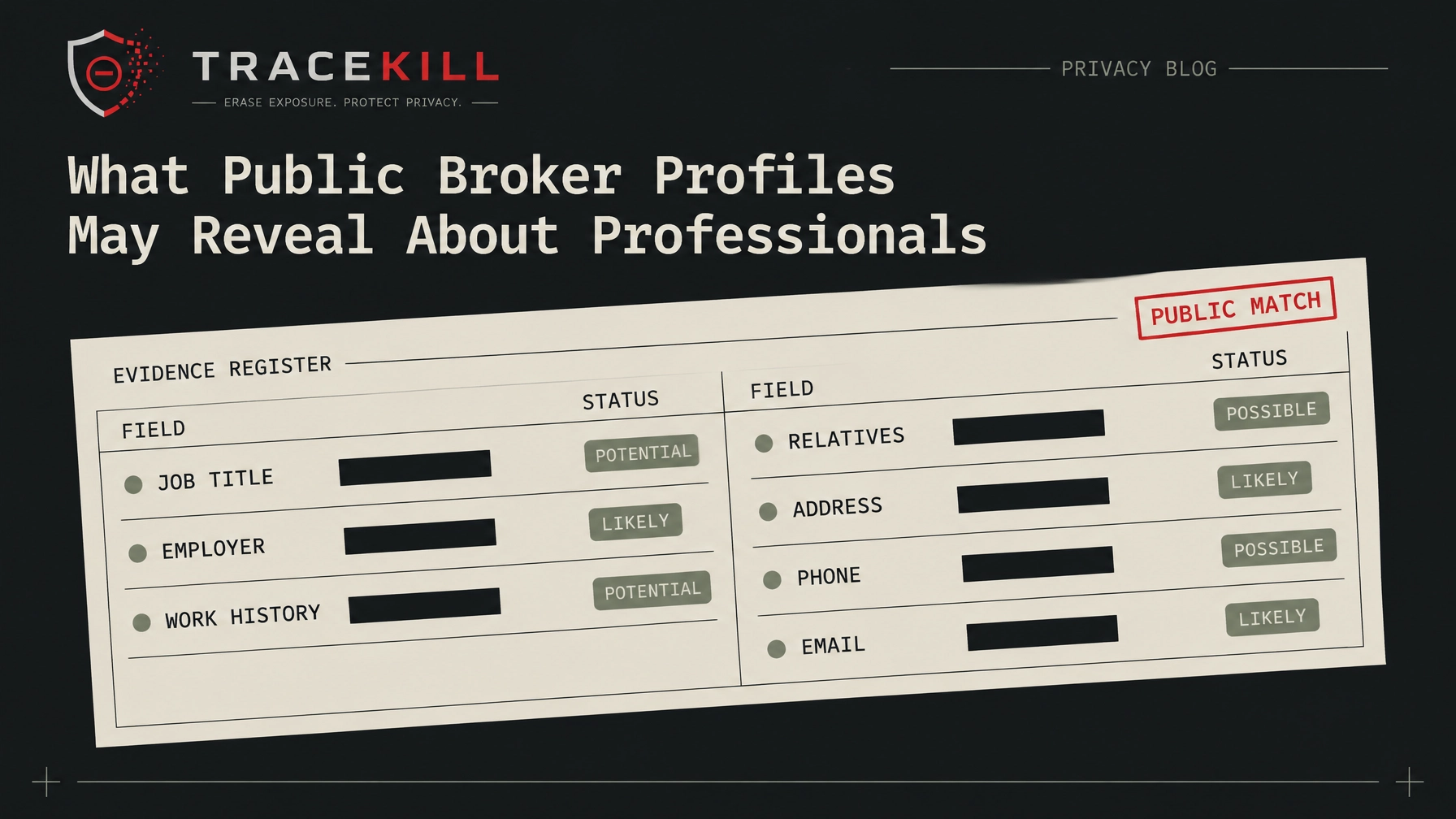
A data broker or people-search site may also publish or connect personal details, such as:
- Current or previous addresses
- Phone numbers and email addresses
- Relatives or other associates
- Age ranges and name variations
- Work history or employer details, where available
The information does not necessarily come from one place. Brokers may collect and combine public records, professional directories, social profiles and other available sources. A profile might be incomplete or outdated, and a match may refer to someone with a similar name. Still, when separate details appear together, they can create a more useful picture of a person.
Why security teams pay attention
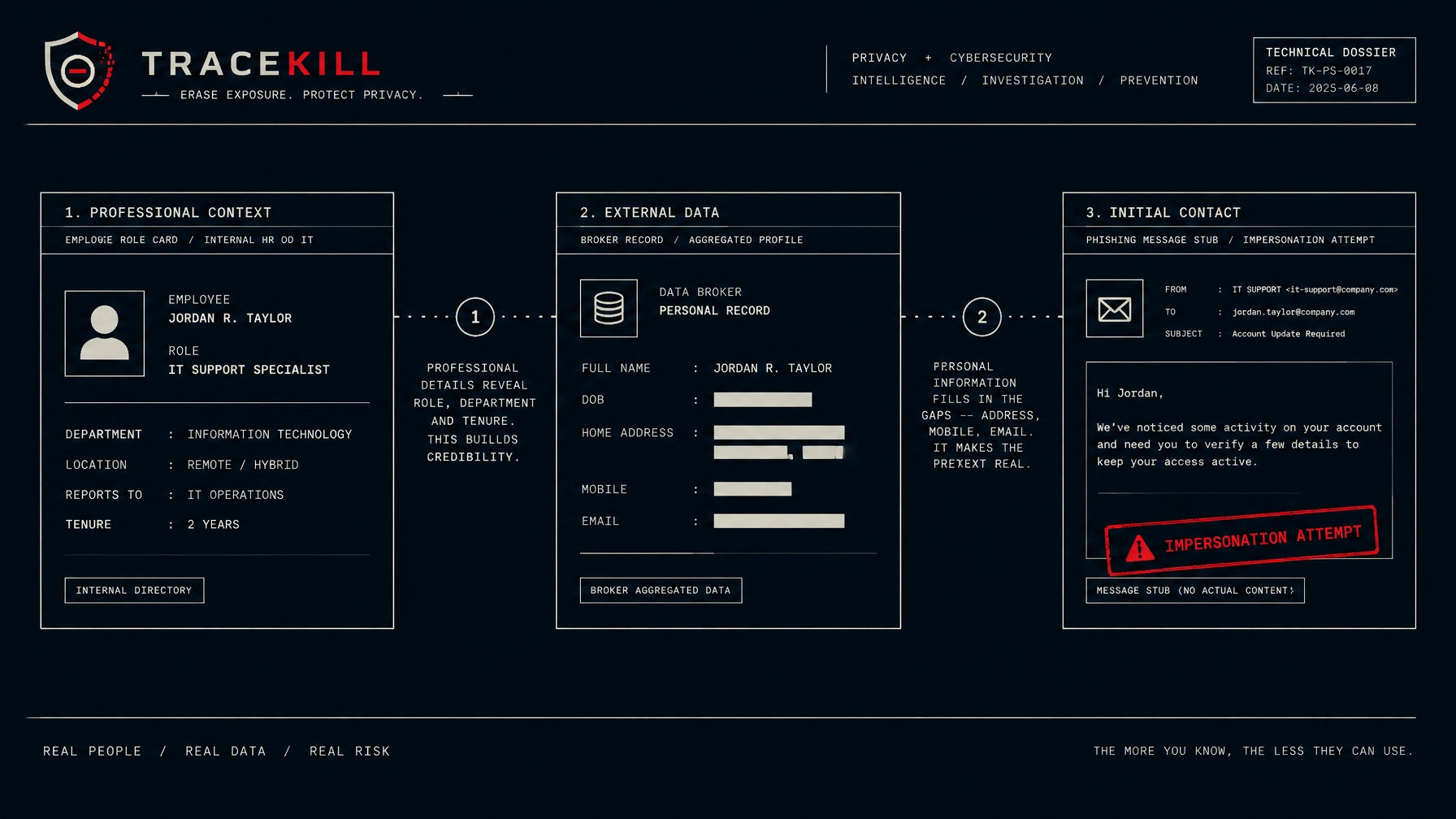
Data brokers and social engineering are connected because personal and professional details can help make a message or phone call seem credible. A scammer might use a real job title, employer name or colleague’s identity as context for a phishing attempt or a pretext. An invented reason for contacting someone.
For example, a message that appears to come from IT, HR or a manager may sound more plausible when it refers to a real department or workplace process. A personal phone number or email address can also offer another way to reach an employee outside normal work systems. This does not make a scam inevitable. It shows how publicly available context can help someone tailor an approach.
Optery’s 2026 Enterprise Social Engineering Survey Report highlights why security leaders are looking at this issue. In the survey, leaders ranked data broker and people-search sites as a primary source of intelligence attackers use to profile and target employees, ahead of social media or dark-web breach data. Respondents also reported that attackers combine personal and professional details (including addresses, personal mobile numbers, emails and reporting structures) to personalize social-engineering attempts. About three-quarters of surveyed organizations reported credential compromise resulting from targeted social engineering.
These findings describe surveyed organizations’ perceptions and reported experiences. They do not prove that a particular employee is at risk, measure every attack, or show that exposure on a broker site caused any individual incident. The survey is a signal about what cybersecurity leaders say they are seeing, not a prediction about you.
Who may have more exposure
Some jobs make professional information especially visible. Executives may have public biographies, speaking profiles or media coverage. IT and identity-management staff, finance teams, HR employees and help-desk workers may be identified because of their work responsibilities. Anyone whose employer lists their name or role online may have a more searchable professional footprint.
Visibility is not the same as vulnerability. A public job title does not mean an attacker can access your accounts, and a broker listing does not confirm that it has been used in an attack. Exposure varies by person, role, location and source. Some people have few public records; others may have multiple listings with outdated addresses or contact details.
The useful question is not “Am I definitely a target?” It is “What information about me is easy to find, and can I reduce what is unnecessary?”
Check and reduce your exposure
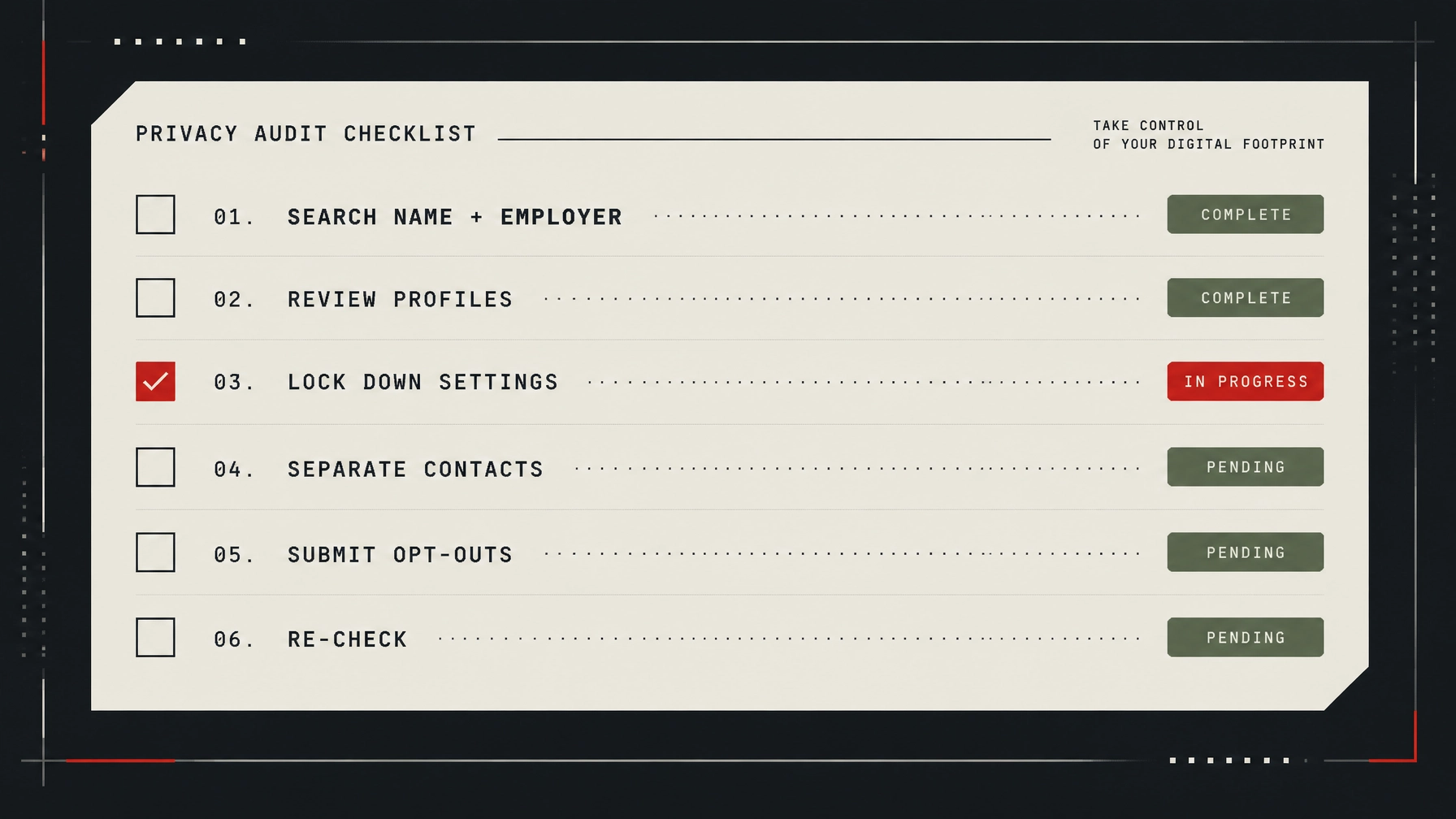
You do not need to wait for a suspicious message to review your public footprint. Start with a small, repeatable check.
1. Search for yourself
Search your name with your employer, job title and city. Then search your name on people-search sites. Review each result carefully; similar names can point to someone else. Note which sites show personal contact details, addresses or relatives.
You can also use TraceKill’s free scan to check monitored data-broker sources for likely public profile matches using your name and location. It requires no account or payment card. Results depend on the monitored sources and the information available to match you.
2. Review professional profiles
Check what your LinkedIn profile, employer biography and professional-directory pages reveal. Remove details that are not needed for your work, and review visibility and contact settings. Avoid listing personal phone numbers or personal email addresses in public-facing profiles when a work contact method will do.
You may not be able to hide your employer or role if your job requires public contact. Focus on limiting unnecessary personal details around that information.
3. Separate work and personal identifiers
Use separate work and personal email addresses and phone numbers where practical. Do not reuse personal contact details in public business listings or professional profiles unless needed. Separation will not prevent every unwanted contact, but it can help keep work and personal channels distinct.
4. Submit opt-out requests
Many people-search sites provide a process to request removal of a listing. Follow the site’s current instructions and check whether you have more than one profile. TraceKill’s guides explain steps for Whitepages, Spokeo and BeenVerified.
An opt-out generally applies to a particular site’s listing; it does not remove the underlying public records or automatically clear every other broker. Processing times and verification requirements vary. Listings can also return when a site receives updated information, so re-check periodically.
5. Re-check over time
Keep a short record of the sites you checked and the requests you submitted. If a listing reappears, you can revisit that source’s opt-out process. Re-checking matters because broker data changes and removals are not always permanent.
What TraceKill can help with
TraceKill checks monitored data-broker and people-search sources for likely public profile matches. The free scan uses your name and location and requires no account or card. If you choose Continuous monitoring for $8 per month, TraceKill provides monthly re-checks of monitored sources and help with supported opt-out requests where public verification is available.
Coverage, match results and processing times vary by source. No service can guarantee complete removal, and a listing may reappear. The goal is to help you see where your information may appear, take available opt-out steps and check again.
Start a free scan when you are ready, or visit TraceKill to learn more. You can begin with the scan and decide for yourself whether ongoing monitoring fits your needs.
Last verified: November 2026. Broker opt-out processes change often — confirm the current steps on the live page before relying on them.
Free scan — no account required
This is one site. There are hundreds more.
Run a free scan to see which monitored sources list you — no card, no account, results in real time as each broker reports back. Do the opt-outs yourself with our guides, or let us file them for you on a paid plan and re-check month after month. We'll never tell you we erased you from the internet.
No credit card · No account · AES-256 encrypted
Keep going
What Happens to Someone’s Personal Information After They Die?
After a death, families are already handling paperwork and practical decisions. Then a search of the person’s name may bring up social profiles, people-search listings, old addresses, or photos. These can remain online because accounts stay open, data brokers retain profile information, and public records generally remain available. Some of this information can be addressed.…
Selling Your Home? Your Old Address Could Remain Online Long After the Sale
You sold the house, moved, and months later a search of your name still shows the old street. That can happen because a sale creates public records, and other websites may copy or combine information from them. You can take steps to address some of those online copies. The right step depends on where the…
A Data Broker Rejected Your Removal Request. Here’s What to Do
You submitted an opt-out request, received a rejection, or heard nothing back. The listing is still there. That does not always mean you are out of options. Most rejected opt-out requests fall into four categories. The first three are often fixable with a careful follow-up. The fourth may not be: a site might have a…